DXF Viewer Online

Inspect 2D ASCII DXF files up to 20 MB directly in your browser with zero software installation, account sign-up, or credit cost. This DXF viewer online renders model-space lines, arcs, circles, text, and toggleable layers.

CAD workspace panel

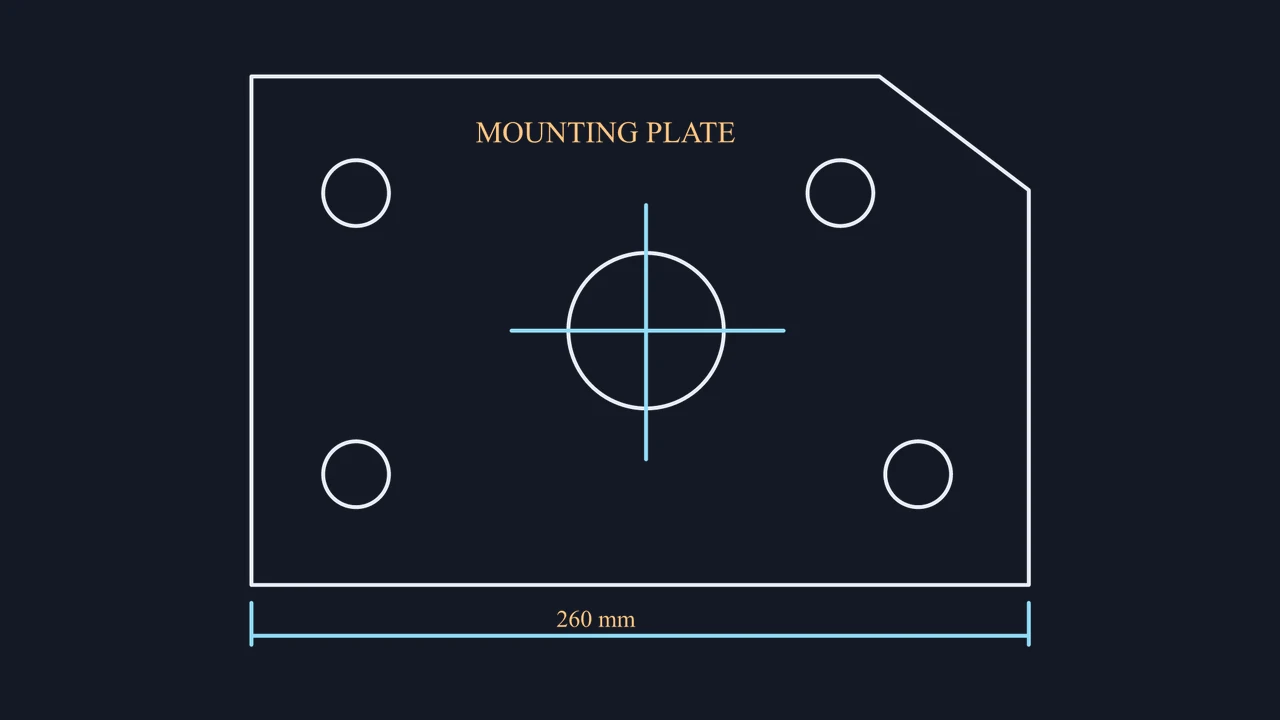
Interactive layer isolation on a 2D bracket DXF

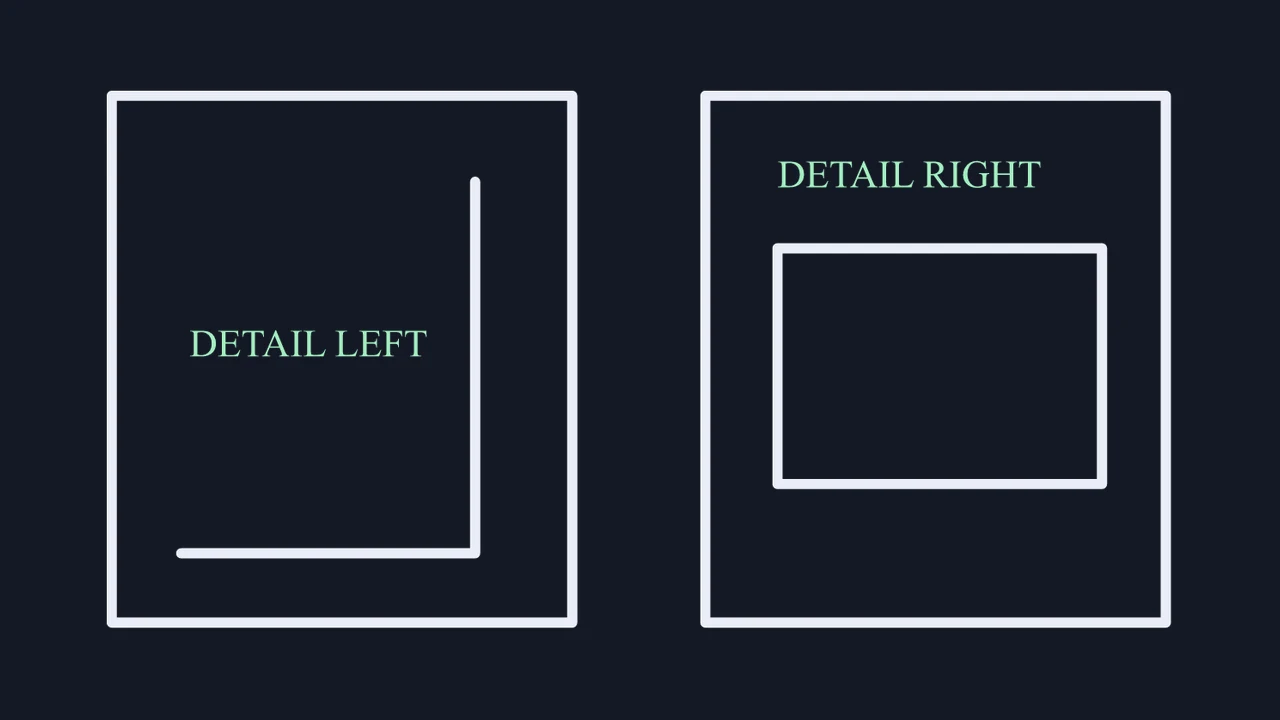
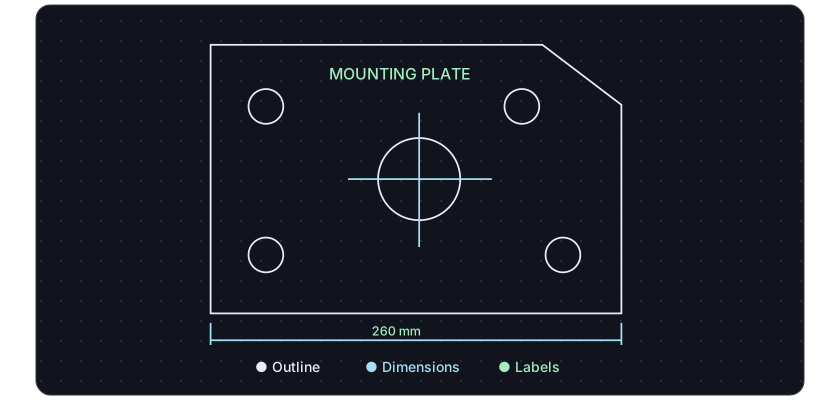
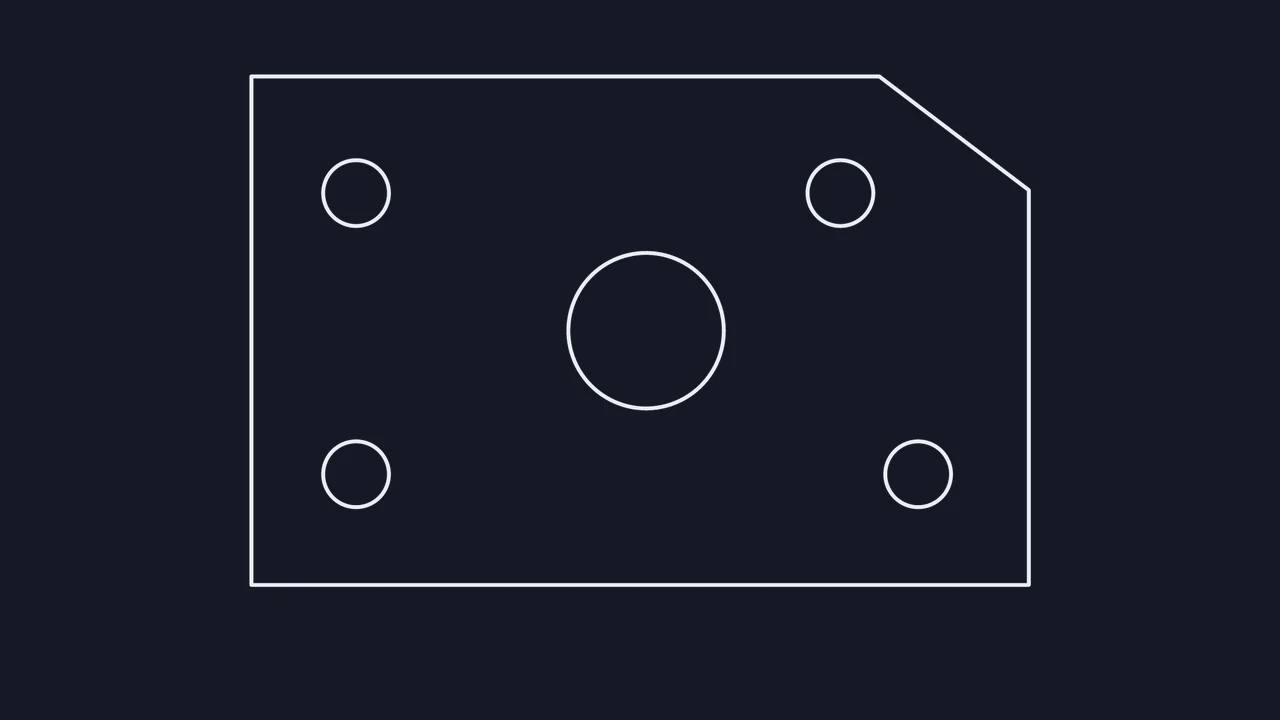
Compare the complete mounting-plate drawing with annotations visible against the isolated outline layer to see how hiding dimensions clarifies cut perimeters and bolt holes.

All visible DXF layers
A DXF bracket drawing with the outline, holes and labels visible
Outline layer isolated
The same DXF bracket drawing with only the outline layer visible

How to use the DXF viewer online

Open a DXF

Drop an ASCII DXF file

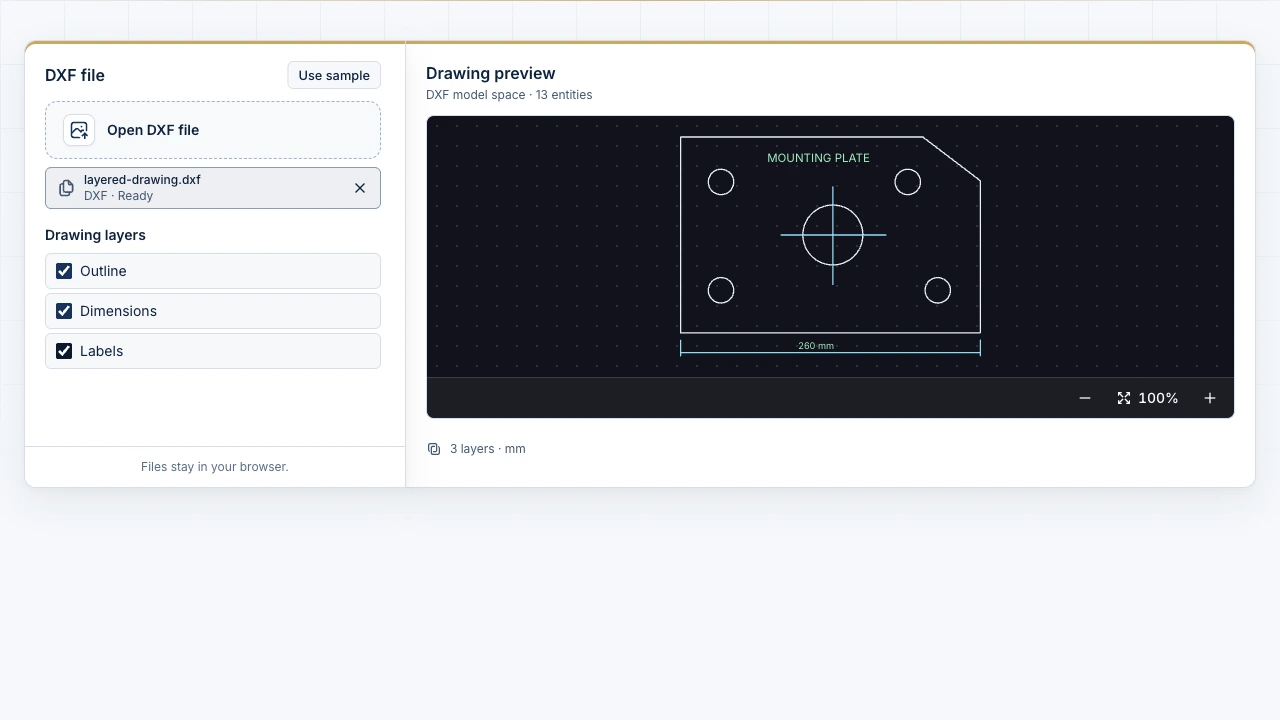
Select any text-based .dxf file up to 20 MB from your device, or click Use sample to load the multi-layer mounting bracket drawing.

Zoom, pan, and fit model space

Zoom into tight intersections, bolt circles, or callouts, drag to pan across the canvas, and use Fit drawing to re-center all visible geometry.

Toggle individual CAD layers

Show or hide specific layers in the DXF viewer online to inspect cut contours separately from centerlines, dimensions, and text notes.

Check layers and 2D entities before CAD or CAM handoff

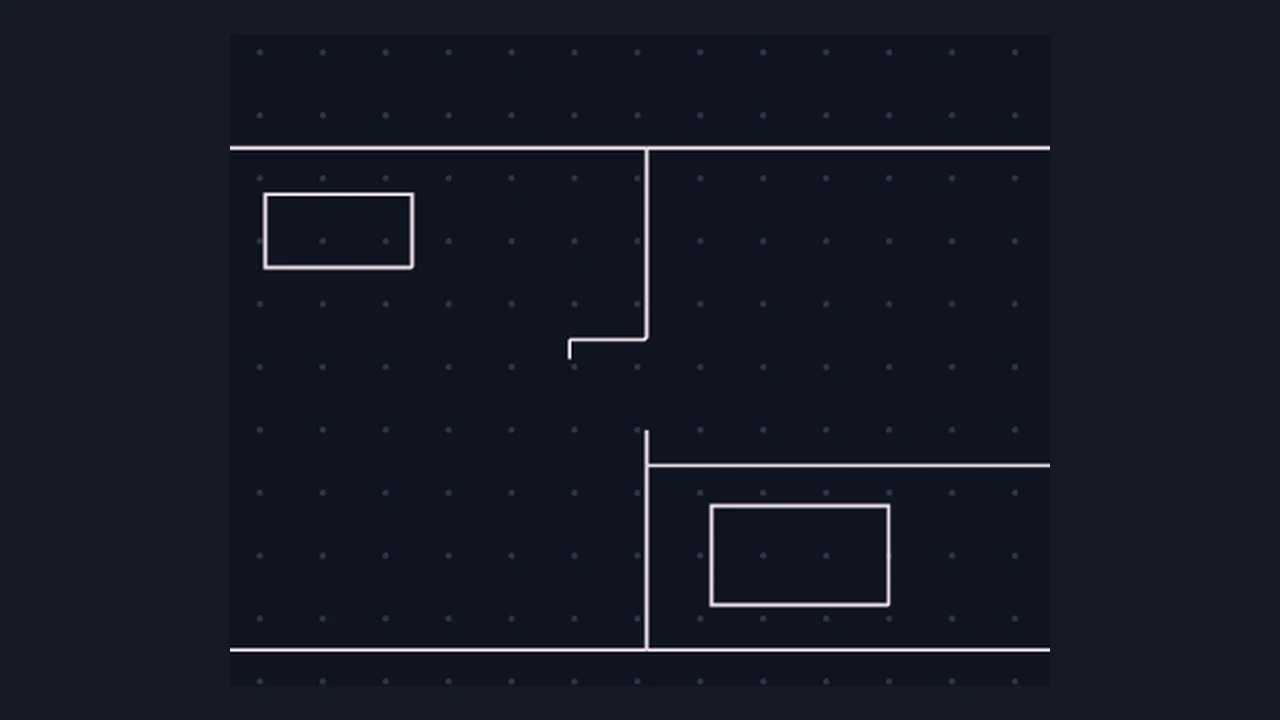
The Image to CAD viewer with drawing layers and zoom controls

Isolate cut outlines from annotations in one click

Crowded dimensions and title notes can hide small gaps or stray segments on fabrication drawings. Toggle layer checkboxes in the DXF viewer online to inspect clean geometry without altering your source file.

Open DXF viewer
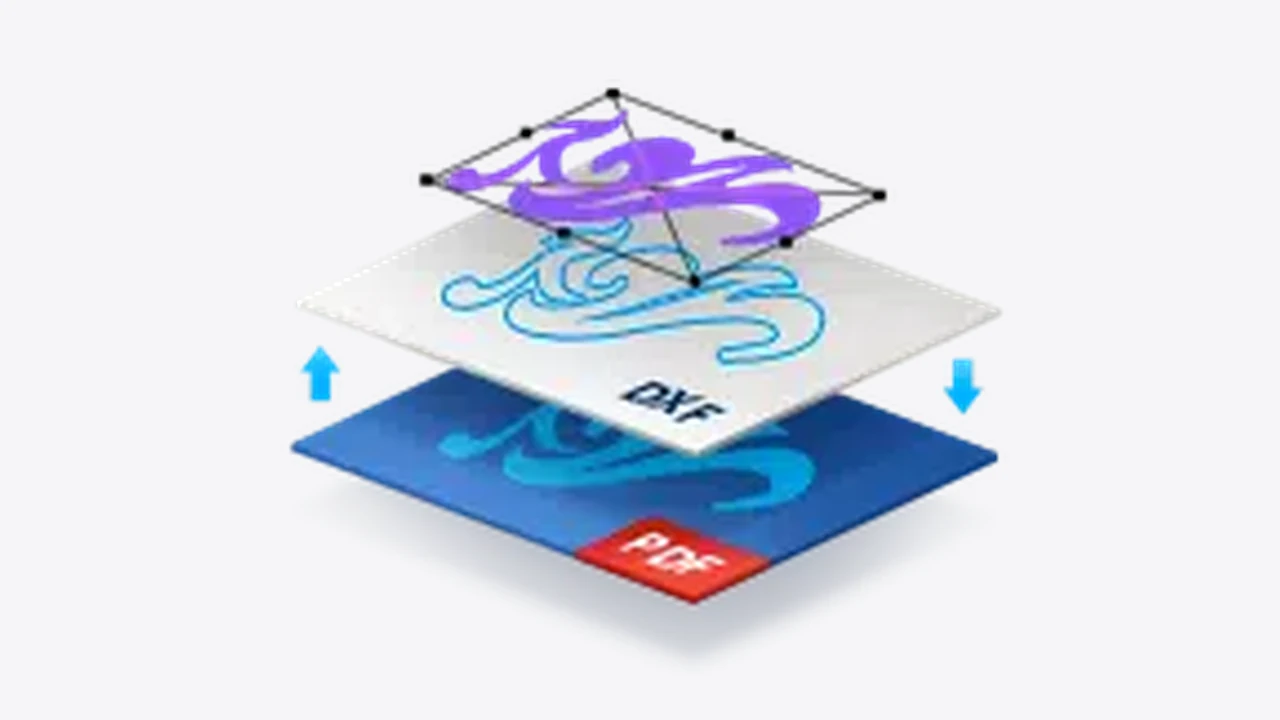

Diagram of drawing contents separated into stacked layers

Verify exchange files privately on desktop or mobile

Review incoming vendor drawings or newly converted exports locally in your browser on desktop, tablet, or phone before launching desktop CAD software or sending 2D geometry to a fabrication shop.

Inspect DXF layers

Browser DXF viewer specifications and entity scope

Check supported DXF encoding, rendered 2D entity types, layer controls, and objective browser-preview boundaries before inspecting production files.

Viewer ParameterSupported in BrowserDesktop CAD Boundary
Accepted DXF formatASCII text .dxf up to 20 MBBinary DXF or DWG needs CAD export
Rendered 2D entitiesLINE, LWPOLYLINE, POLYLINE, CIRCLE, ARCPlus compatible TEXT and MTEXT
Inspection controlsZoom, pan, fit view, layer togglesRead-only session; source stays intact
Access and privacy100% free · No login · Local workerZero file uploads to external servers

Included in free browser viewing

Unlimited local inspection of 2D model-space ASCII DXF files, layer visibility toggles, entity count summary, unsupported-entity warnings, and touch pan/zoom.

Objective DXF viewer boundaries

Read-only 2D model-space preview; it does not edit geometry, measure point-to-point distances, load external XREFs, or render 3D solids and binary DWG.

Frequently asked questions

Image to CAD mark

Inspect a drawing in DXF viewer online

Drop a 2D ASCII DXF or load the mounting-plate sample to zoom, pan, and toggle layers locally in your browser.

View DXF file