Image to DXF Converter

Transform JPG, PNG, WebP, BMP, and SVG files up to 20 MB into open 2D ASCII DXF geometry in your browser. This image to DXF converter traces centerlines or closed contours, previews loops, and sets real units.

CAD workspace panel

Technical blueprint to editable 2D DXF linework

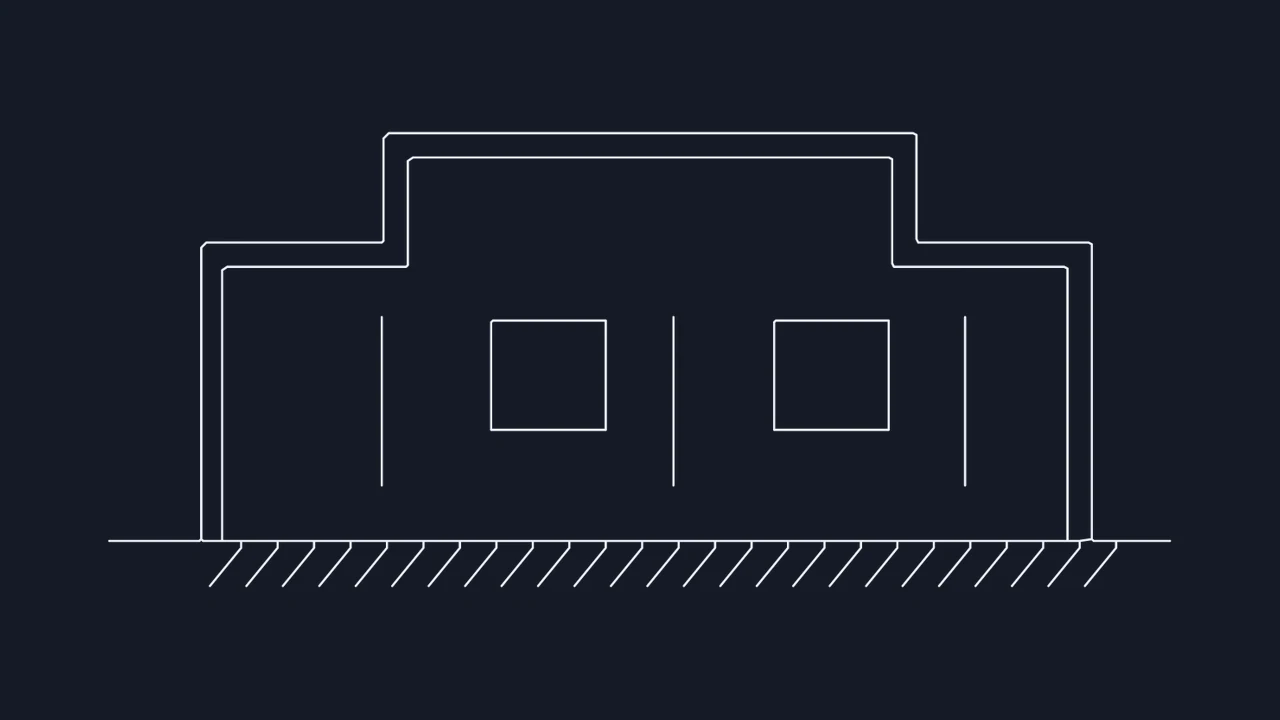
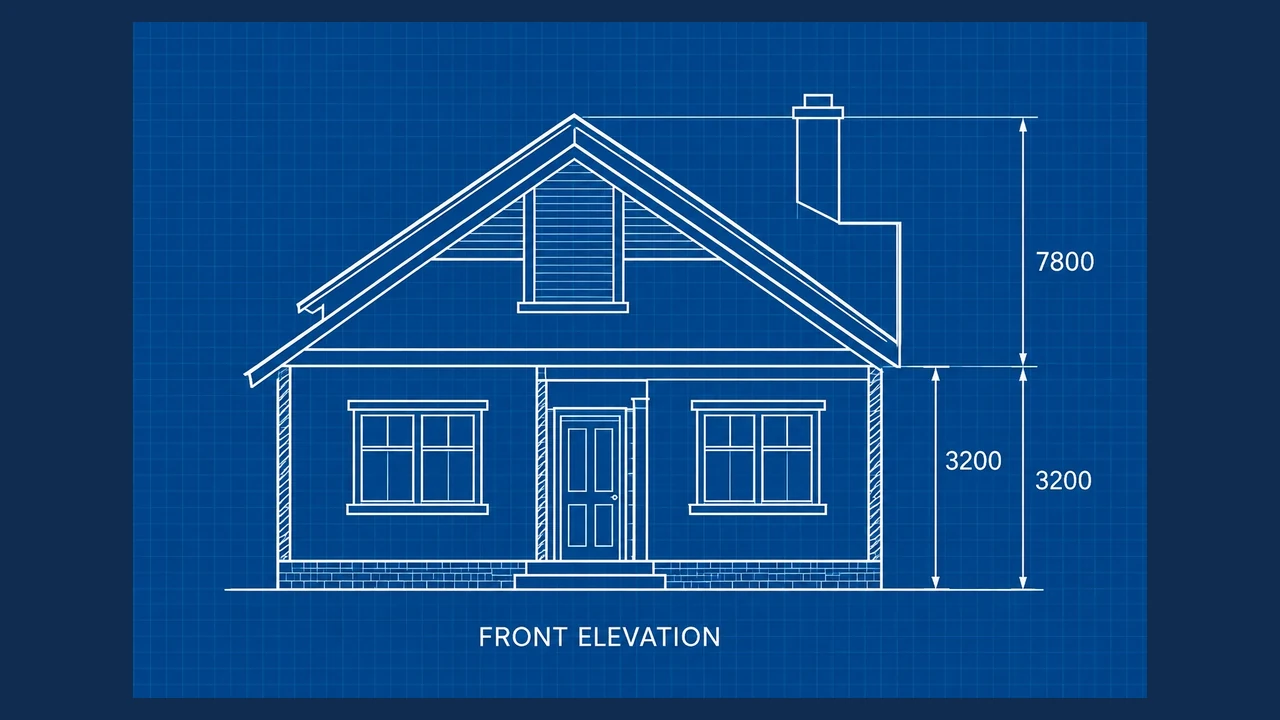
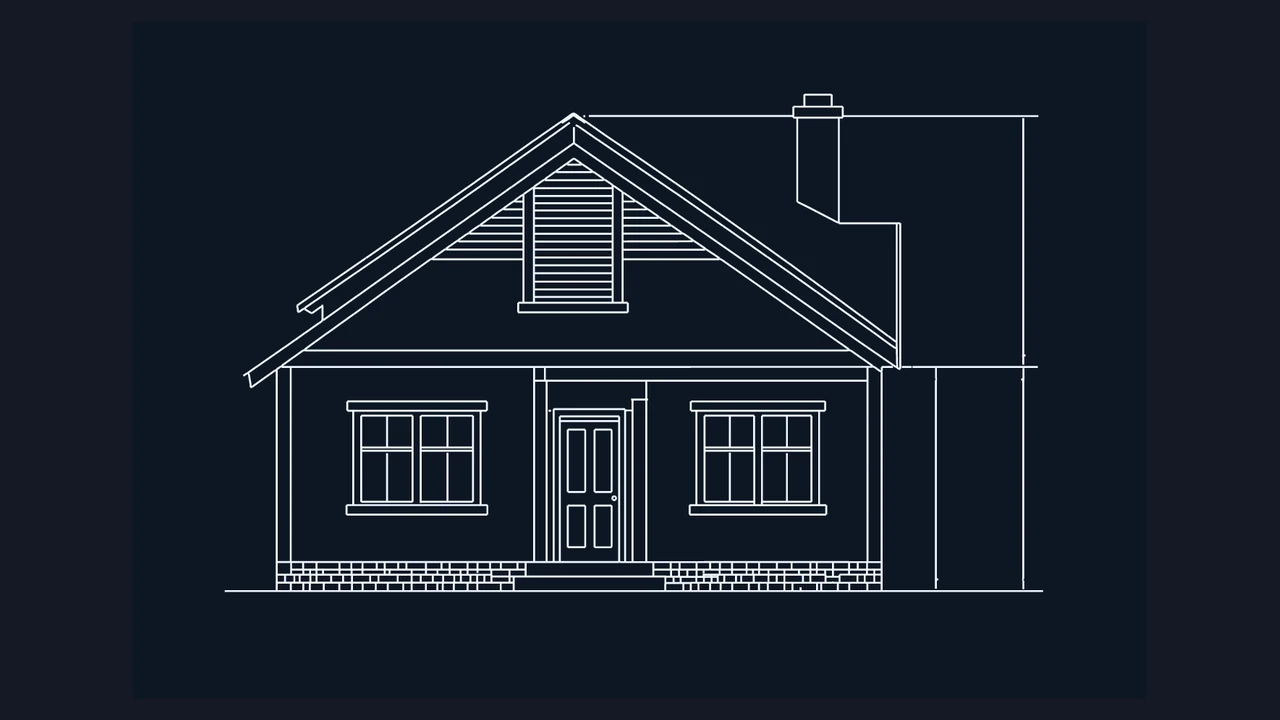
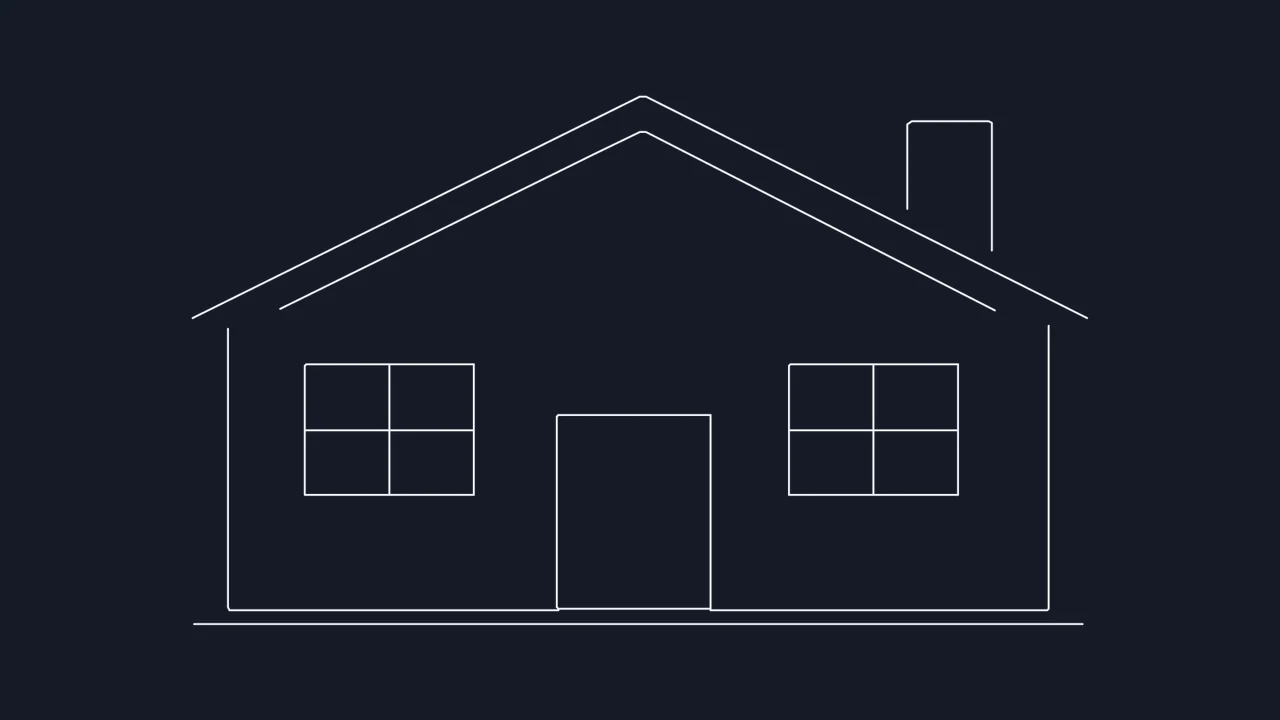
Compare the front elevation blueprint with its traced DXF vector output to see how roof pitches, window frames, and reference ticks convert into clean, inspectable paths.

Original blueprint
Blue technical drawing of a front elevation with dimensions
Traced DXF linework
CAD linework of a front elevation and its reference dimensions

How to convert image to DXF

Choose an image

Load up to four raster images

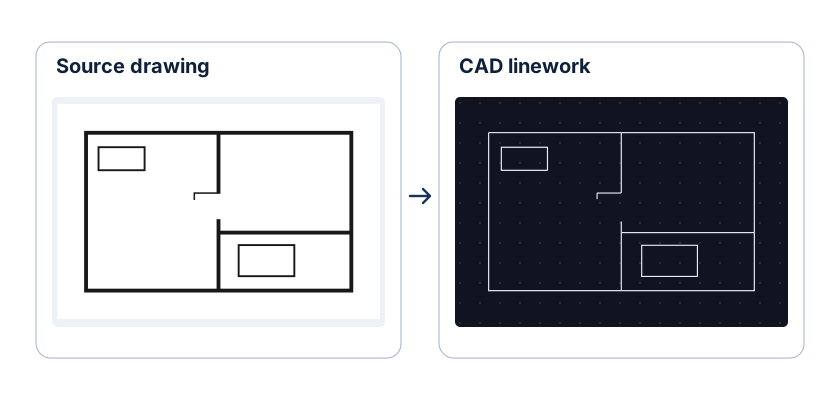
Drop JPG, PNG, BMP, WebP, or SVG files up to 20 MB each into the workbench, or test the sample floor plan immediately.

Select centerline or contour mode

Crop to a single part or view, then pick Linework for technical drawing strokes, Outlines for closed cut perimeters, or Photo edges.

Inspect loops and export DXF

Zoom into corners and inner holes in the image to DXF preview, enter a reference width, and download the ASCII DXF file.

Select the right trace mode for CAD and CNC

CAD drafting and CAM cutting require different path structures. Pick your source graphic type to see which image to DXF setting produces single strokes versus closed contours.

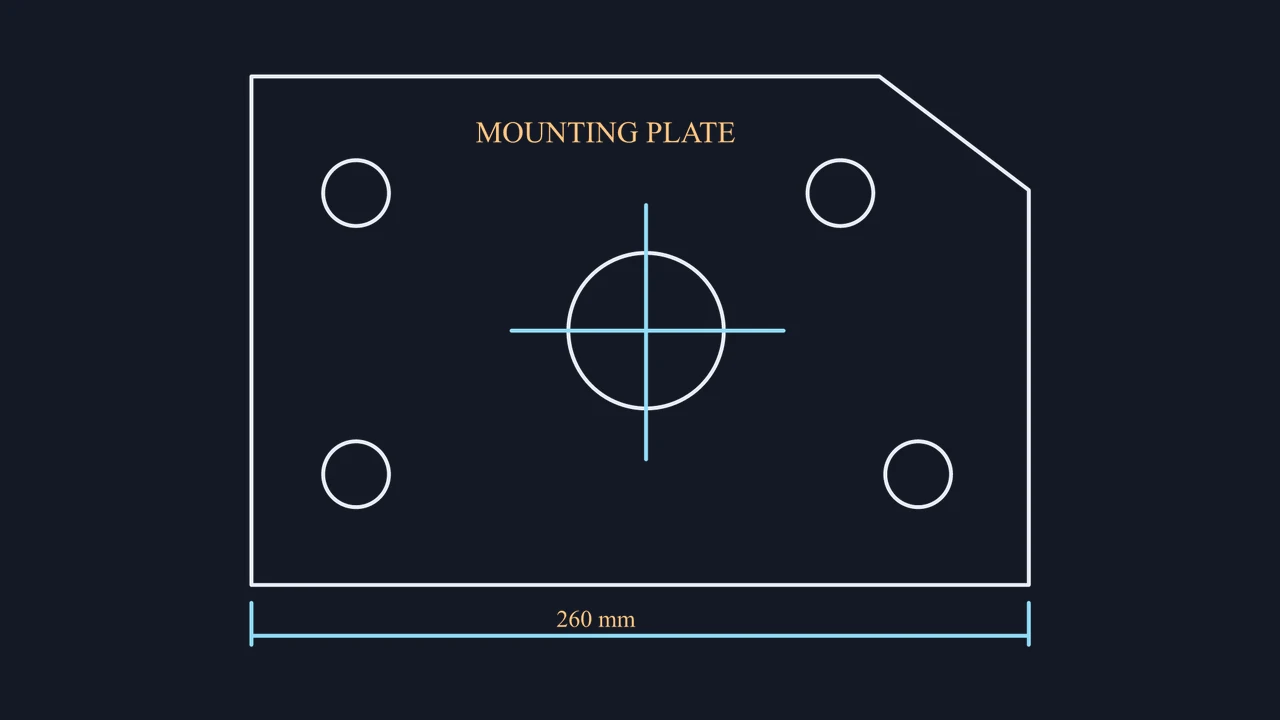
Raster pixel to DXF path structureOutlines mode · Perimeter and holes

Prepare clean exchange geometry for CAD and CAM

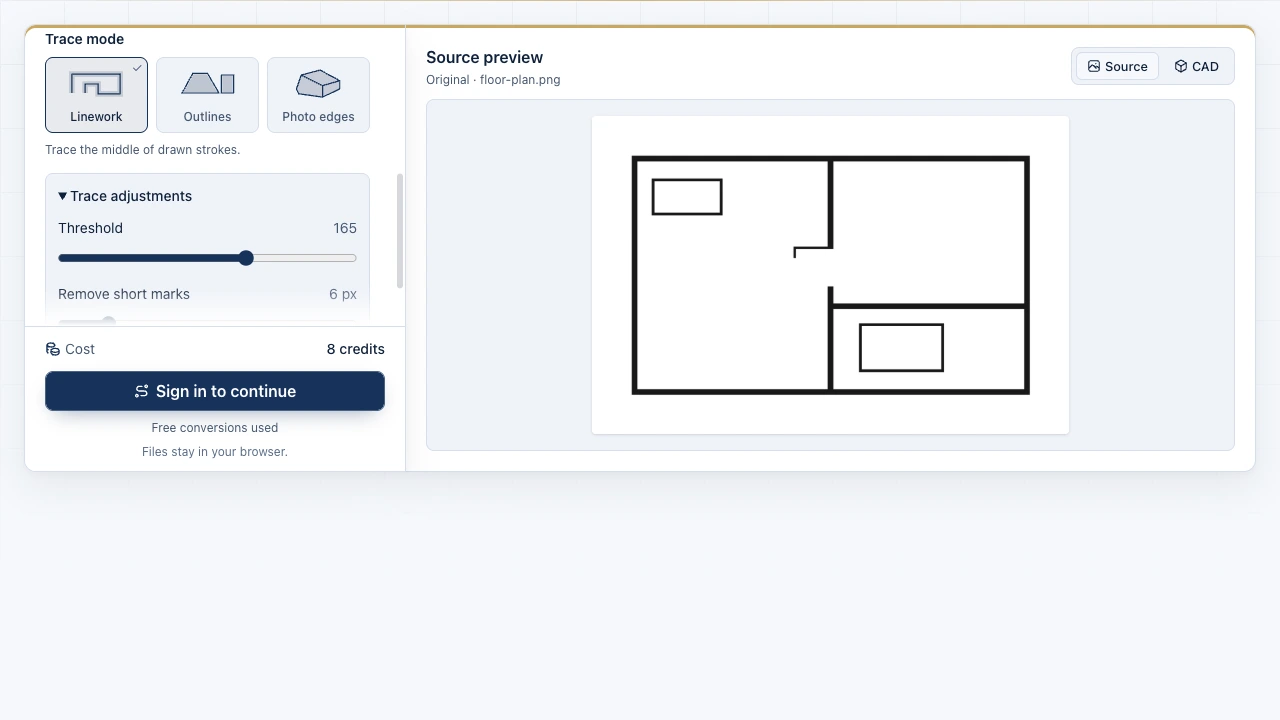
The Image to CAD workbench showing source files and the drawing preview

Eliminate stray speckles before exporting

Zoom into tight bridges, bolt holes, and intersections inside the image to DXF workbench. Tuning threshold and Remove short marks filters out scanner dust before those marks reach your CAM or drafting software.

Open trace controls
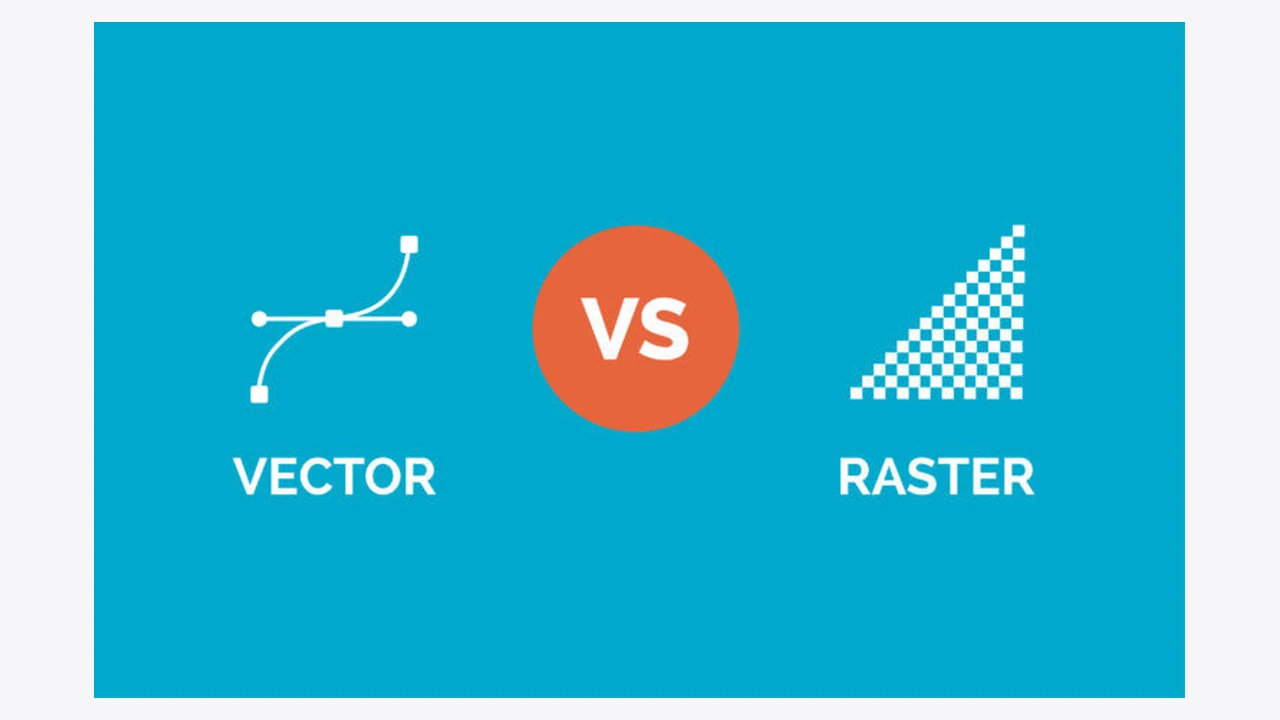
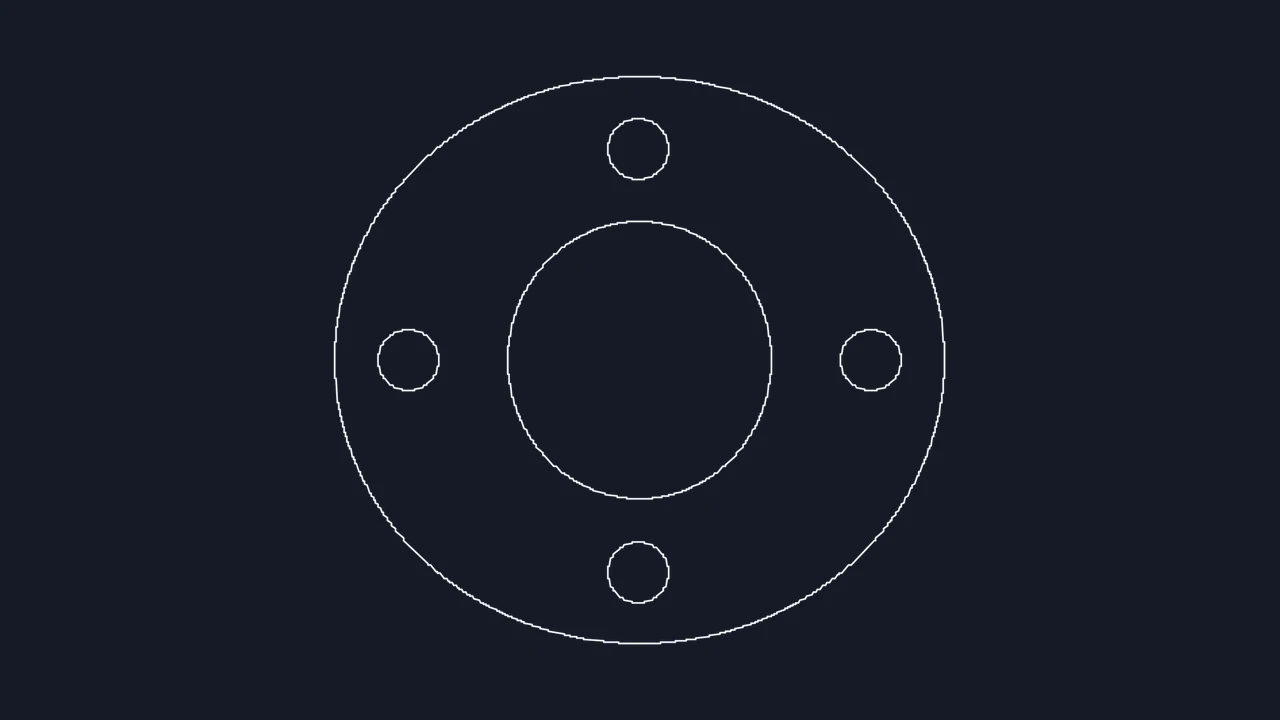
Enlarged pixel lines compared with smooth vector linework

Export universal ASCII DXF with known width

Set your cropped span in millimeters, centimeters, meters, inches, or feet so downstream AutoCAD, LibreCAD, QCAD, LightBurn, or Fusion workflows receive proportional 2D exchange geometry.

Start DXF trace

ASCII DXF format specifications and scope

Verify DXF encoding, entity types, batch limits, and objective 2D vectorization boundaries before sending files to AutoCAD or fabrication software.

SpecificationASCII DXF OutputCAD / CAM Compatibility
DXF file structureStandard text-based ASCII .dxfAutoCAD, LibreCAD, QCAD, LightBurn, CNC
2D geometry entitiesOpen polylines or closed contoursSegmented curves; redraw precision arcs
Input formats and batch capJPG, PNG, WebP, BMP, SVG (20 MB)Up to 4 images with independent crops
Scale reference unitsmm, cm, m, in, or ft spanUniform 2D model-space scaling

What every DXF export provides

In-browser tracing with 3 free conversions, live zoom inspection, independent per-file crop boxes, Light lines inversion for dark blueprints, and optional DWG download.

Objective 2D DXF boundaries

Creates flat 2D paths from visible pixel contrast; color layers, editable OCR text, true parametric arcs, and 3D meshes are not generated.

Frequently asked questions

Image to CAD mark

Create your image to DXF drawing

Load a sketch, blueprint, or silhouette, inspect the traced 2D paths, and download an editable ASCII DXF.

Export DXF file