JPG to DWG Converter

Convert JPG and JPEG scans, sketches, and photos up to 20 MB into binary AutoCAD 2000 DWG drawings in your browser. This JPG to DWG converter filters compression noise, previews 2D linework, and sets scale.

CAD workspace panel

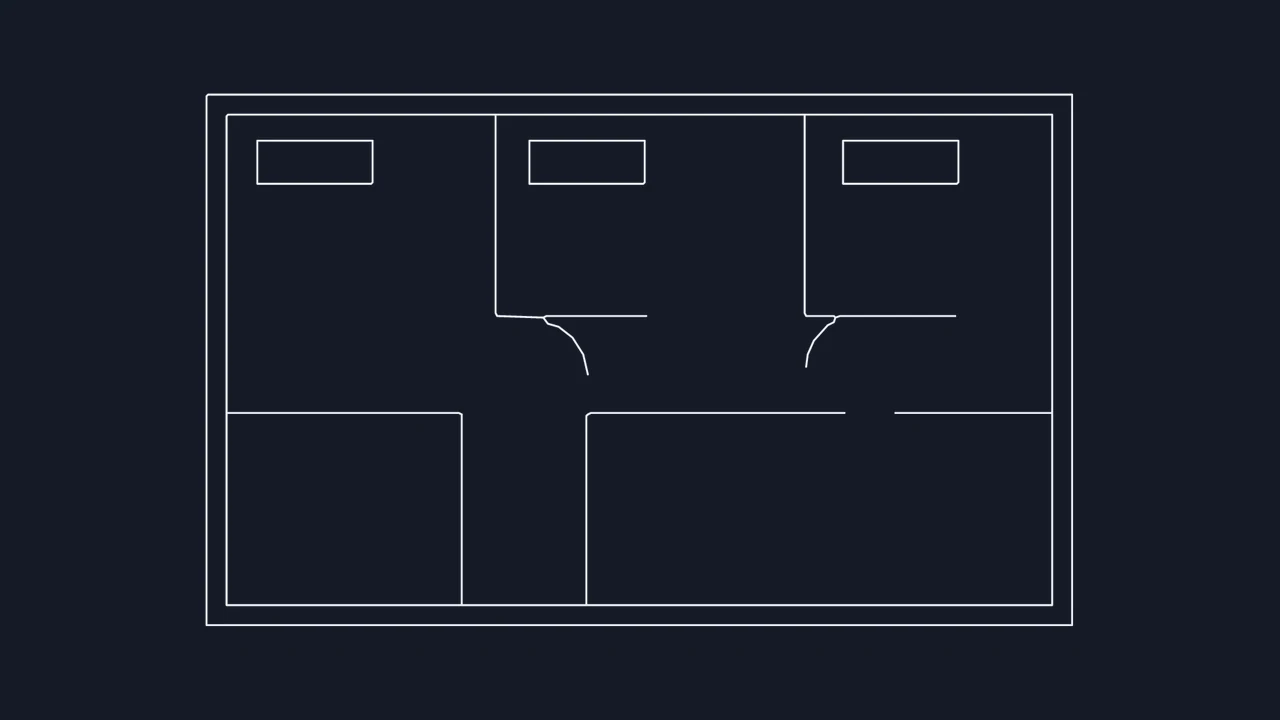
Scanned JPEG floor plan to binary DWG linework

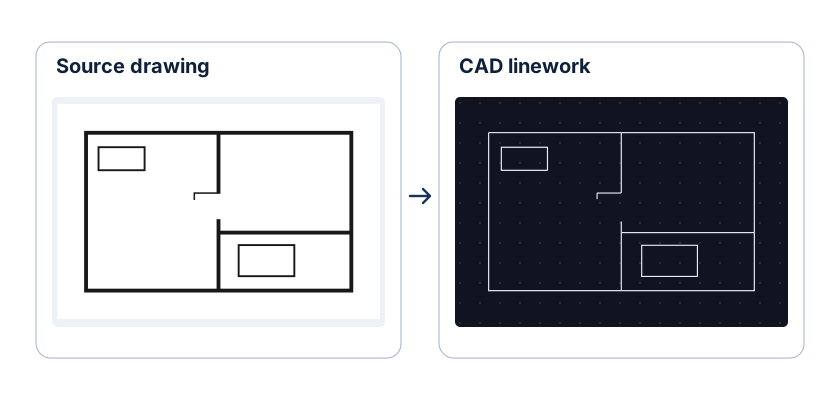
Compare the scanned JPEG floor plan against its traced 2D CAD output to see how room walls, door swings, and partitions become editable entities while background paper grain is suppressed.

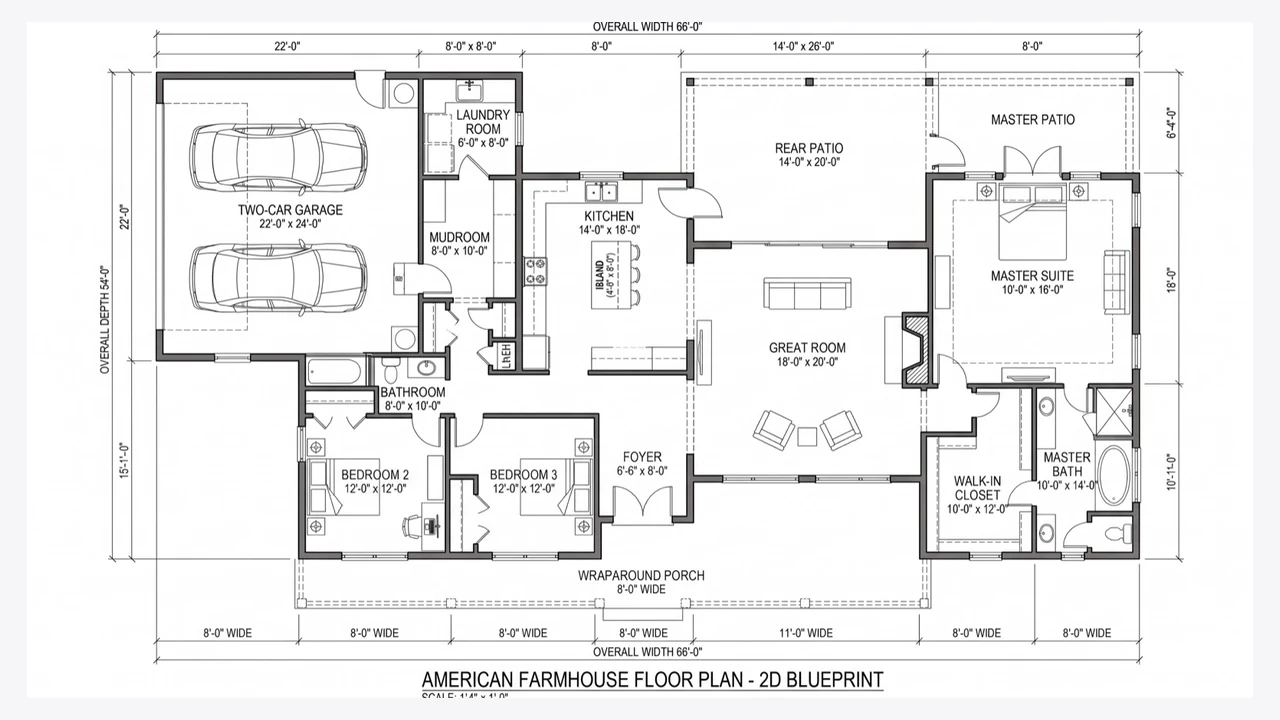
Original JPEG scan
An architectural floor plan with rooms and door swings
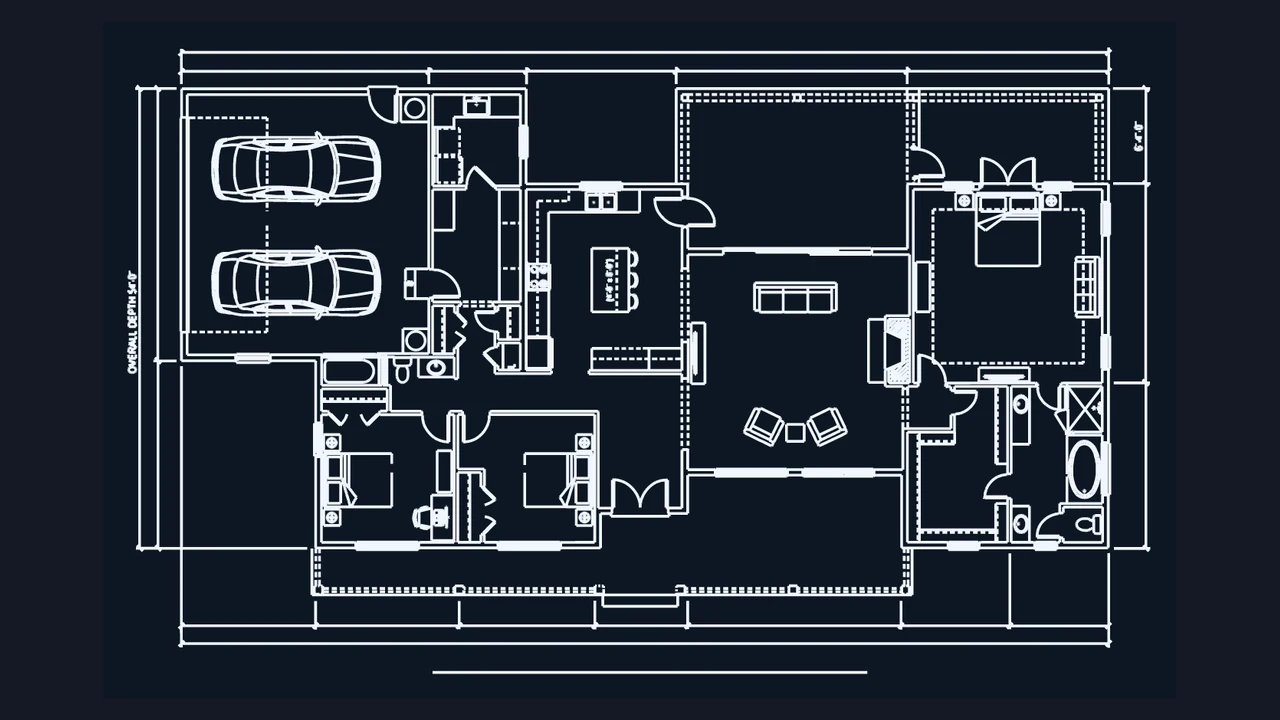
Traced DWG linework
Two-dimensional plan linework showing rooms and door openings

How to convert JPG to DWG

Choose a JPG

Select a sharp JPG or JPEG

Drop up to four JPG or JPEG files up to 20 MB each into the workbench. Prefer original scanner exports over re-saved social or messaging copies.

Crop borders and filter artifacts

Trim away desk edges or binder shadows, pick Linework for scanned drawings or Photo edges for camera shots, and tune threshold to suppress JPEG blocks.

Set real width and save DWG

Inspect corners in the JPG to DWG preview, enter a known span in millimeters, meters, inches, or feet, and download your AutoCAD 2000 file.

Clean up JPEG compression before AutoCAD drafting

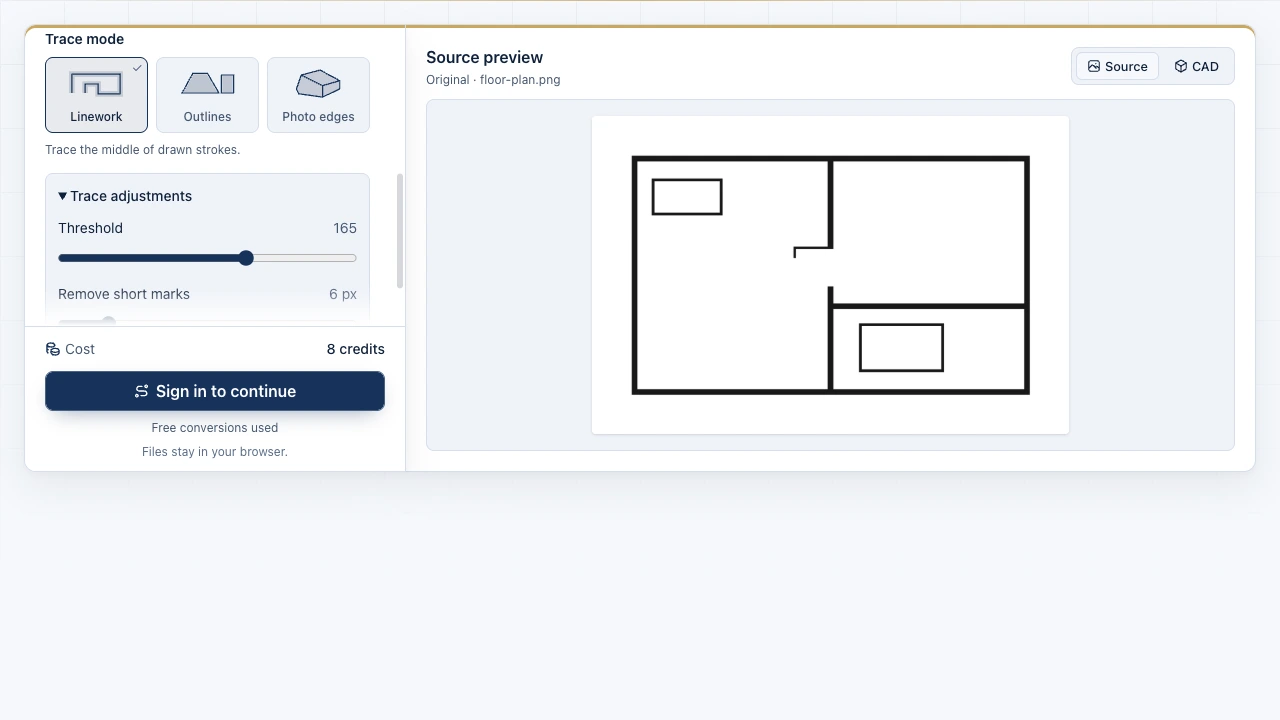
The Image to CAD workbench showing source files and the drawing preview

Suppress 8x8 JPEG mosquito noise around thin strokes

Lossy JPEG compression leaves pale ringing blocks beside dark ink lines. Keep your source beside the live JPG to DWG preview and raise Remove short marks until background speckles disappear without clipping wall corners.

Open JPG converter
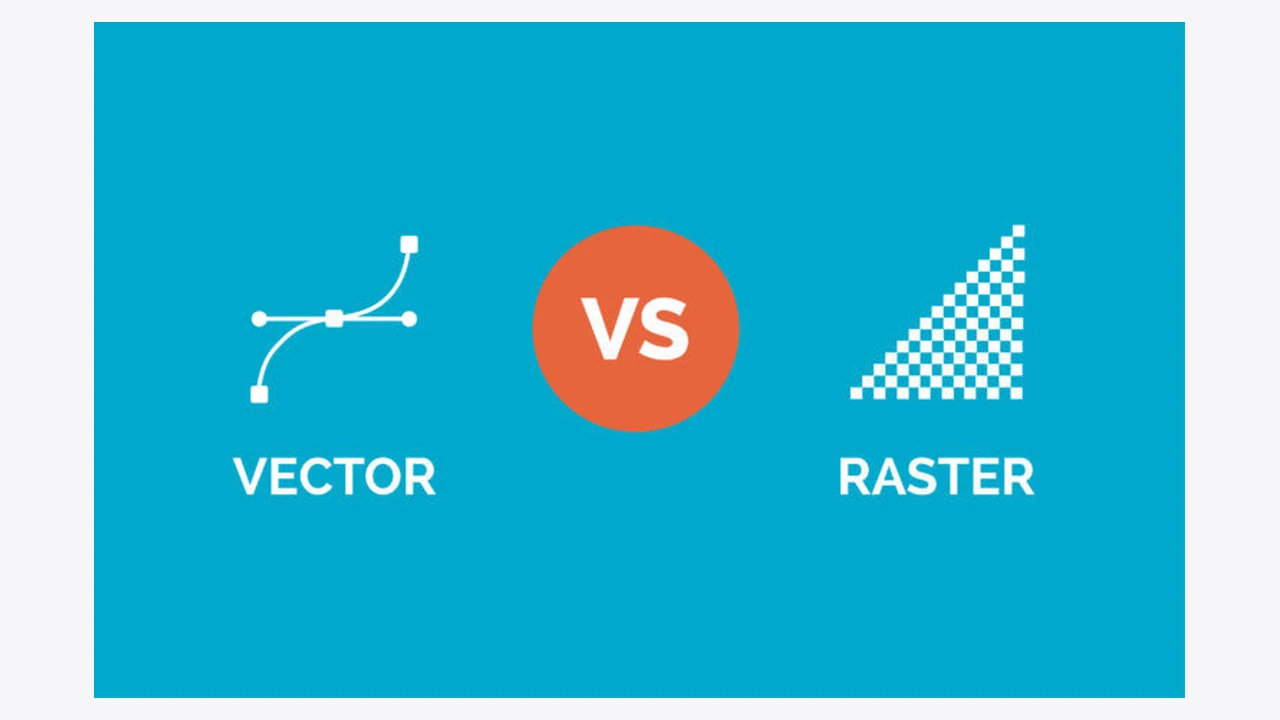
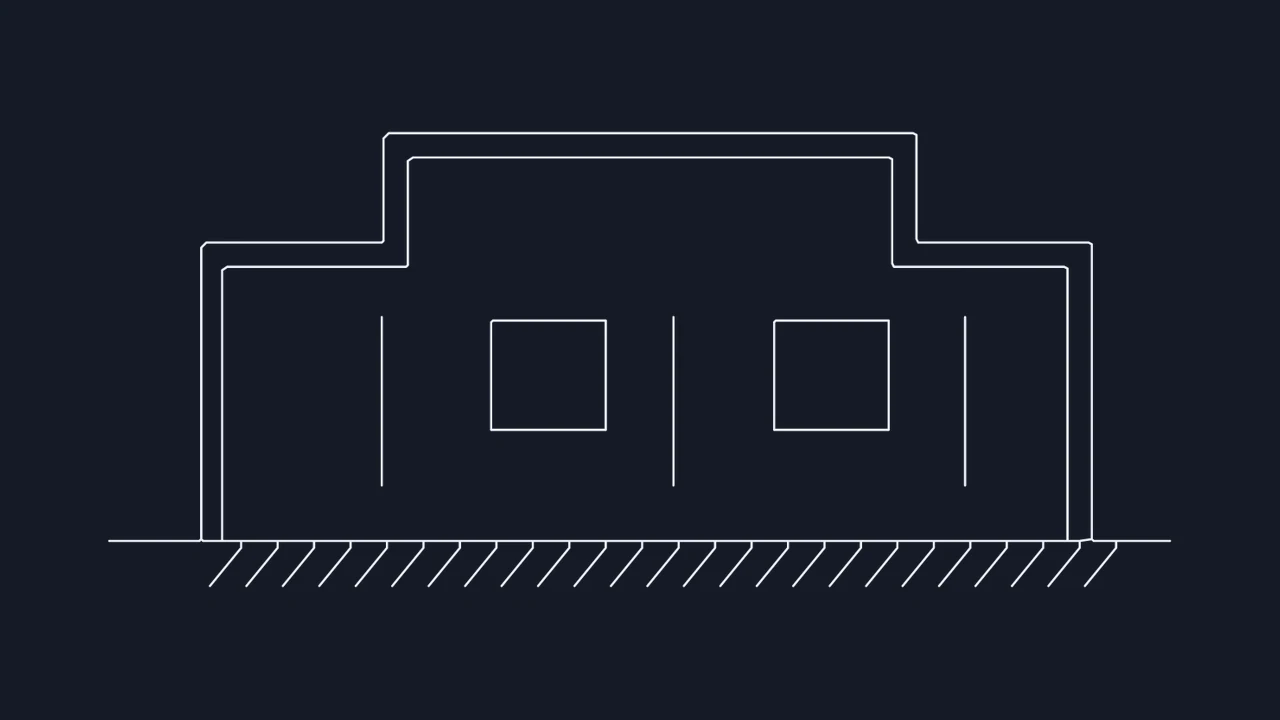
Enlarged pixel lines compared with smooth vector linework

Compare pixel edges against crisp vector paths

Zoom into fine intersections, hatches, and doorway gaps before exporting. Checking the smallest required feature in a JPEG to DWG trace ensures your AutoCAD redraw starts from continuous polylines.

Trace JPEG file

JPEG to AutoCAD DWG specifications and scope

Review accepted JPEG extensions, binary DWG encoding, artifact filtering controls, and objective 2D deliverables before opening your file in AutoCAD.

SpecificationJPG / JPEG InputDWG Output Behavior
Accepted file extensions.jpg and .jpeg up to 20 MBUp to 4 files per browser batch
Exported CAD file typeBinary AutoCAD 2000 (AC1015) .dwgAlso downloadable as ASCII .dxf
Artifact suppression controlsCrop, Threshold, Remove short marksFilters lossy JPEG halo speckles
Measurement calibrationKnown cropped width in 5 unitsmm, cm, m, in, or ft model scale

Delivered in every JPG to CAD run

Client-side browser vectorization with 3 free trials, side-by-side zoom inspection, per-image crop handles, dark-background inversion, and binary AutoCAD 2000 DWG download.

Objective JPEG tracing limits

Traces visible luminance contrast into 2D paths only; camera perspective skew, editable OCR text, and 3D solid geometry are not reconstructed automatically.

Frequently asked questions

Image to CAD mark

Create an editable JPG to DWG file

Drop a JPEG scan or photograph into the browser workbench, filter compression noise, and save an AutoCAD 2000 DWG.

Convert JPEG now