

PNG to DXF Converter

Convert transparent PNG silhouettes, stencils, and line drawings up to 20 MB into editable 2D ASCII DXF paths in your browser. This PNG to DXF converter preserves inner cutouts, previews loops, and sets scale.

CAD workspace panel

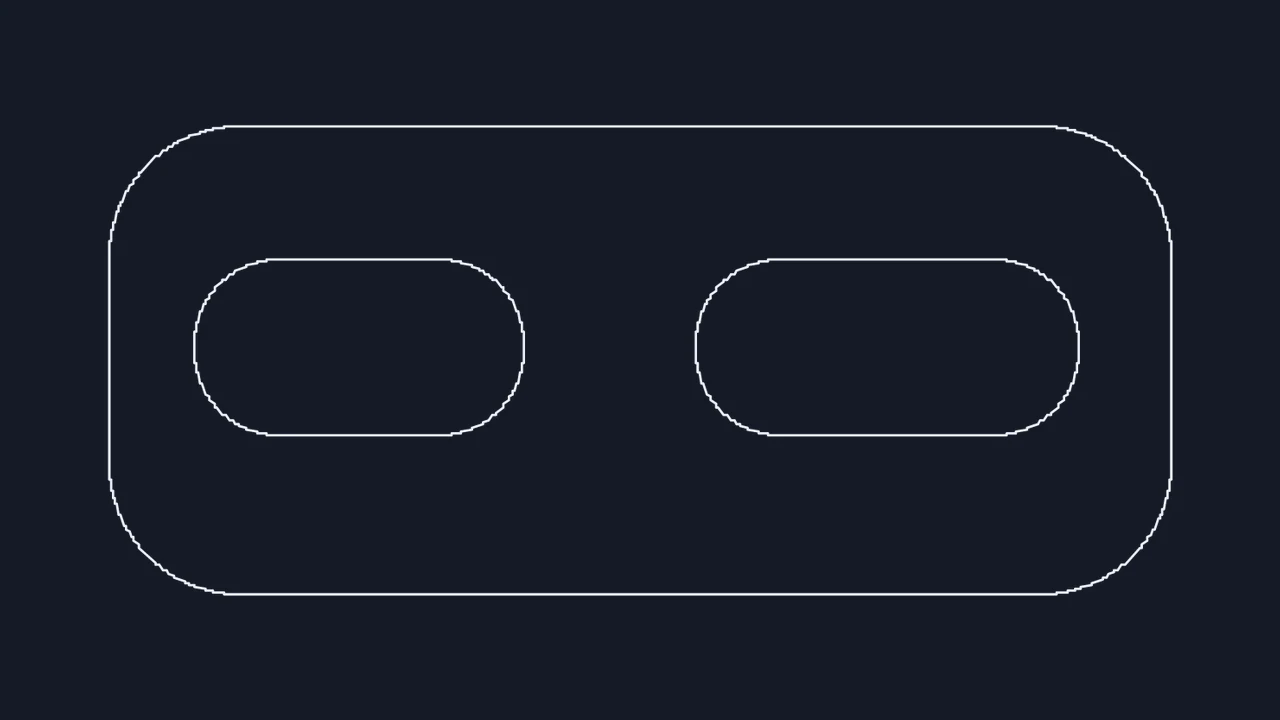
Transparent PNG part profile to closed DXF contours

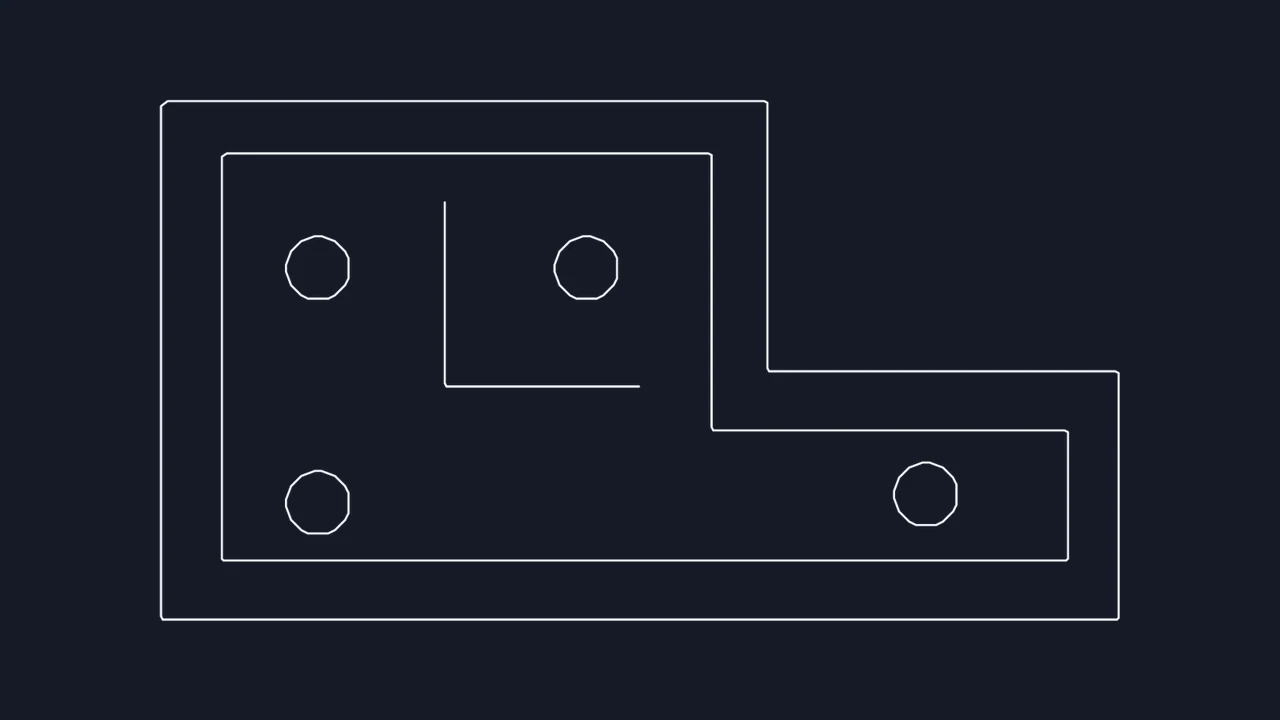
Compare the transparent black part silhouette with its traced 2D DXF preview to verify that both the outer perimeter and interior hole become distinct closed boundaries.

Transparent PNG source
Black PNG profile with a transparent background and an interior hole
DXF contour preview
The part profile traced as a closed outline with a separate inner loop

How to convert PNG to DXF

Choose a PNG

Select a sharp PNG file

Drop up to four lossless PNG graphics up to 20 MB each into the workbench. Alpha transparency or crisp black-on-white artwork gives the cleanest edge.

Pick Outlines or Linework mode

Choose Outlines to trace closed perimeters and interior holes on filled shapes, or Linework to follow the center axis of narrow strokes.

Verify loops and save DXF

Zoom into tight corners and cutouts in the PNG to DXF preview, enter a known reference width, and download the ASCII DXF.

Extract clean closed contours and stroke paths from PNGs

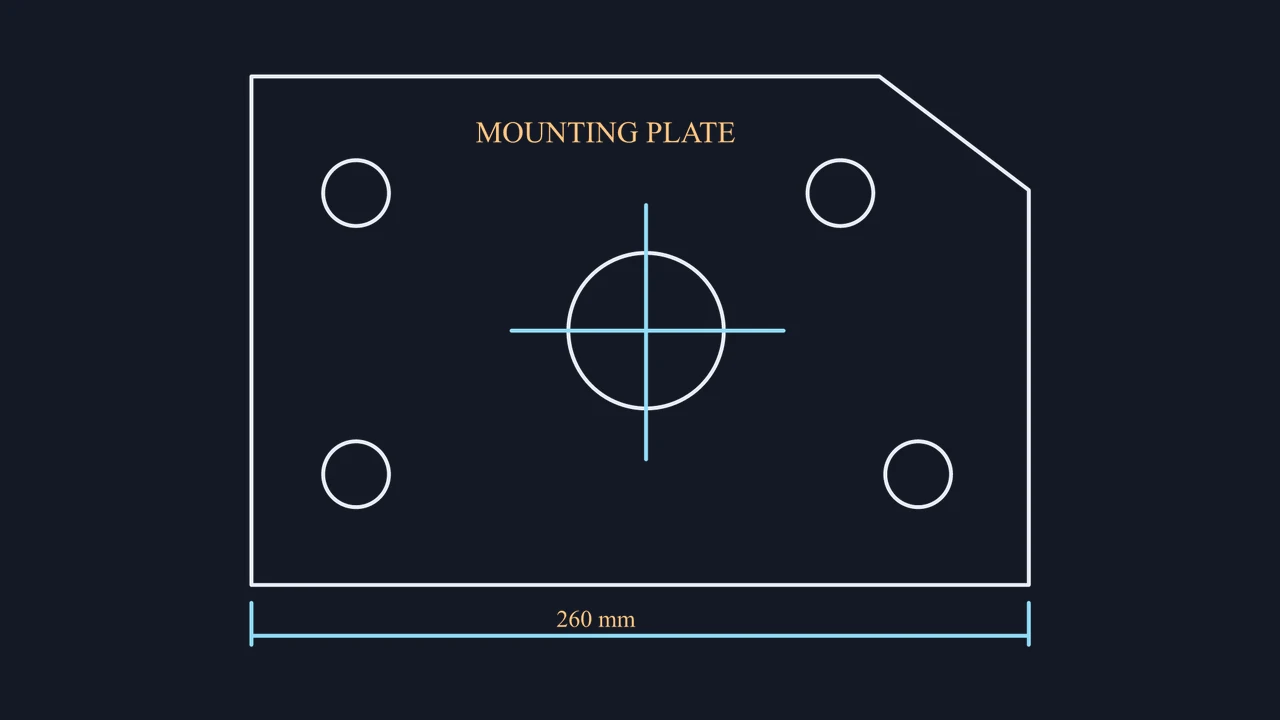
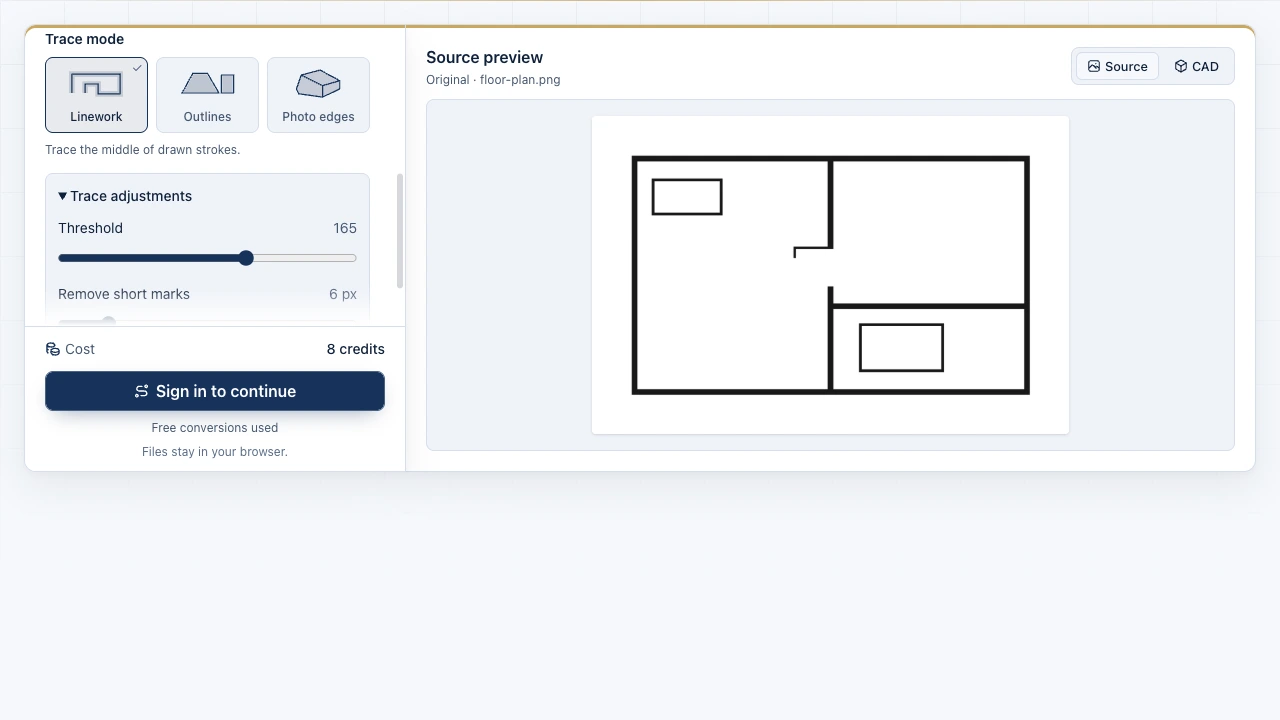
The Image to CAD workbench showing source files and the drawing preview

Inspect inner holes and narrow bridges at zoom

Soft anti-aliased edges on small PNG icons can merge closely spaced cutouts. Use the PNG to DXF workbench preview to tune brightness threshold and Remove short marks until every required hole stays distinct.

Open PNG workbench
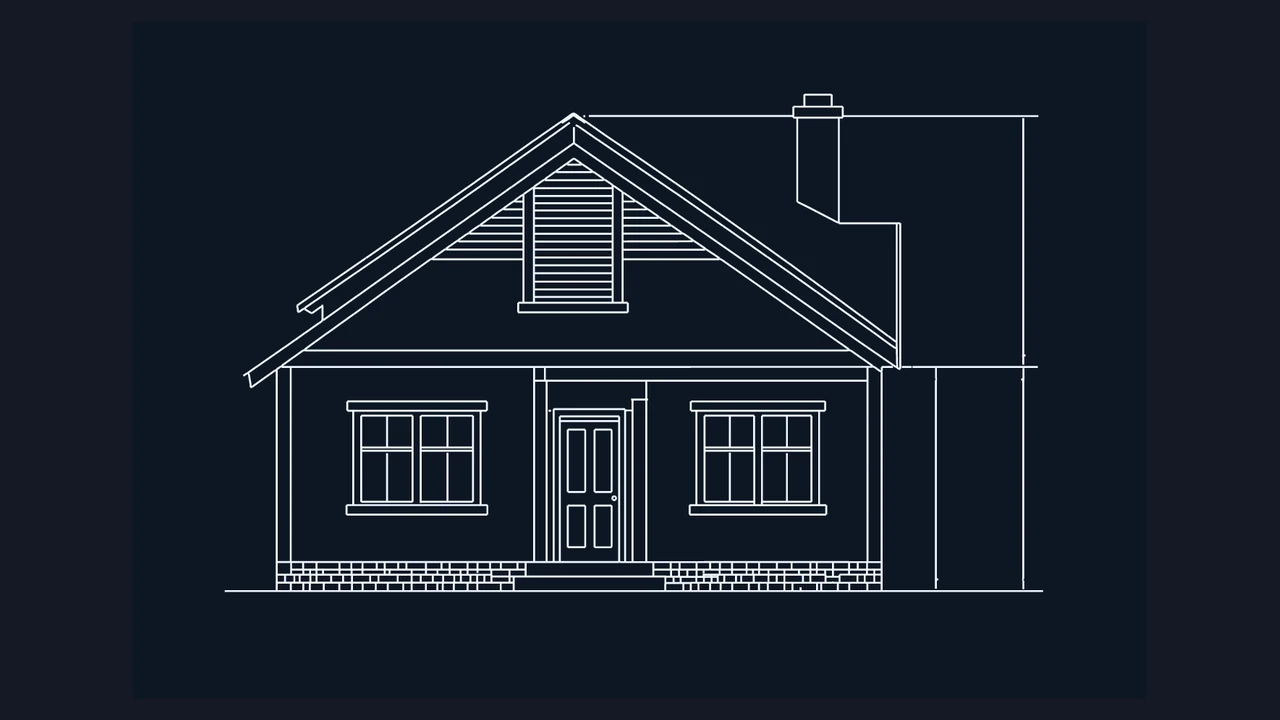
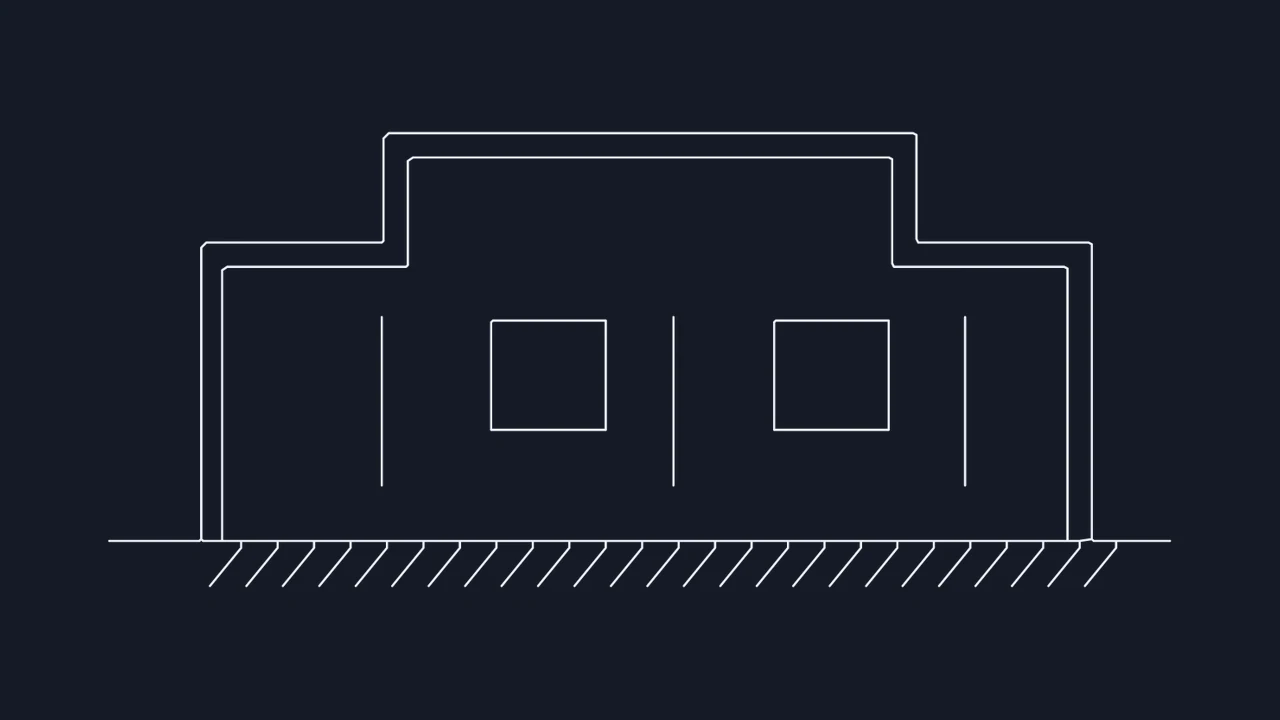
CAD linework of a front elevation and its reference dimensions

Export scaled ASCII DXF for CAD, laser, and CNC

Crop to a single graphic or elevation and set its known width in millimeters, centimeters, meters, inches, or feet so downstream CAD and CAM tools open proportional 2D geometry.

Trace PNG graphic

PNG to ASCII DXF specifications and scope

Review transparency support, ASCII DXF entity output, scaling units, and objective 2D boundaries before opening your file in CAD, laser, or CNC software.

SpecificationPNG Input CapabilityASCII DXF Output
Alpha channel handlingTransparent RGBA and opaque PNGsClean outer and inner loop separation
Exported file formatOpen text-based 2D ASCII .dxfCAD, LightBurn, laser, and CNC tools
Batch size and file limitUp to 4 PNGs, 20 MB per fileIndependent per-image crop and width
Scale calibration unitsmm, cm, m, in, or ft widthUniform 2D model-space coordinates

What every PNG conversion delivers

Local browser processing with 3 free conversions, side-by-side vector zoom preview, dark-canvas Light lines inversion, reference width calibration, and optional DWG export.

Objective PNG-to-DXF boundaries

Generates flat 2D polyline paths from pixel contrast; curved contours are segmented, colors do not become layers, and bitmap text is not OCR-extracted.

Frequently asked questions

Image to CAD mark

Create your PNG to DXF outline

Upload a transparent PNG or crisp line drawing, inspect inner holes at zoom, and save an editable 2D DXF.

Export DXF file