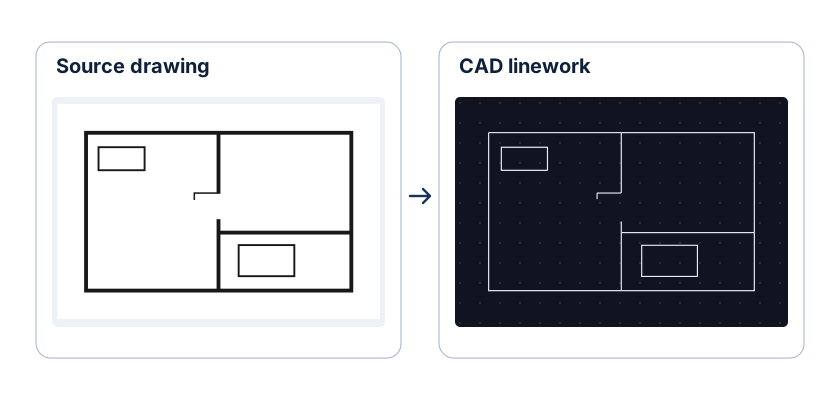


PNG to DWG Converter

Convert transparent PNG graphics, crisp line art, and lossless scans up to 20 MB into binary AutoCAD 2000 DWG files in your browser. This PNG to DWG converter preserves sharp contours, inner holes, and scale.

CAD workspace panel

Transparent PNG silhouette to closed DWG boundaries

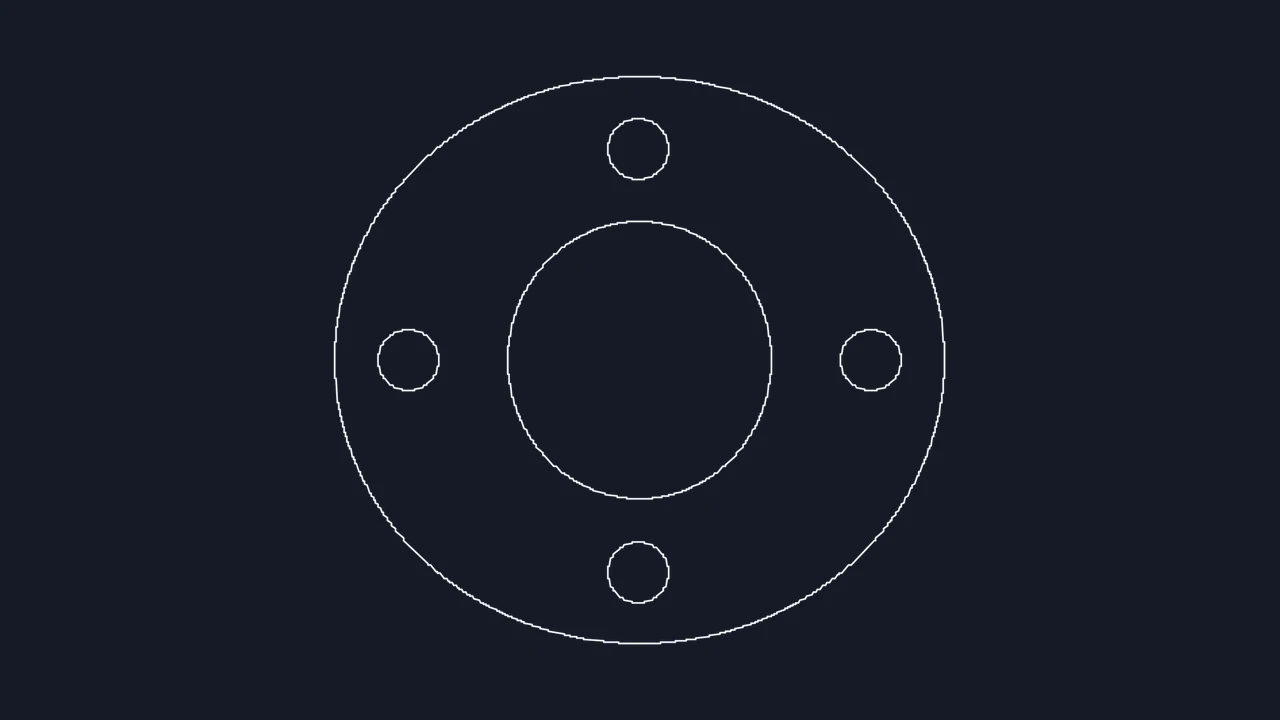
Inspect how a solid mechanical profile on an alpha background converts into two clean closed 2D loops representing the outer part perimeter and interior cutout.

Transparent PNG input
Black PNG profile with a transparent background and an interior hole
Closed DWG preview
The part profile traced as a closed outline with a separate inner loop

How to convert PNG to DWG

Choose a PNG

Upload a lossless PNG graphic

Drop up to four PNG files up to 20 MB each into the workbench. Original transparent PNG exports avoid background clutter automatically.

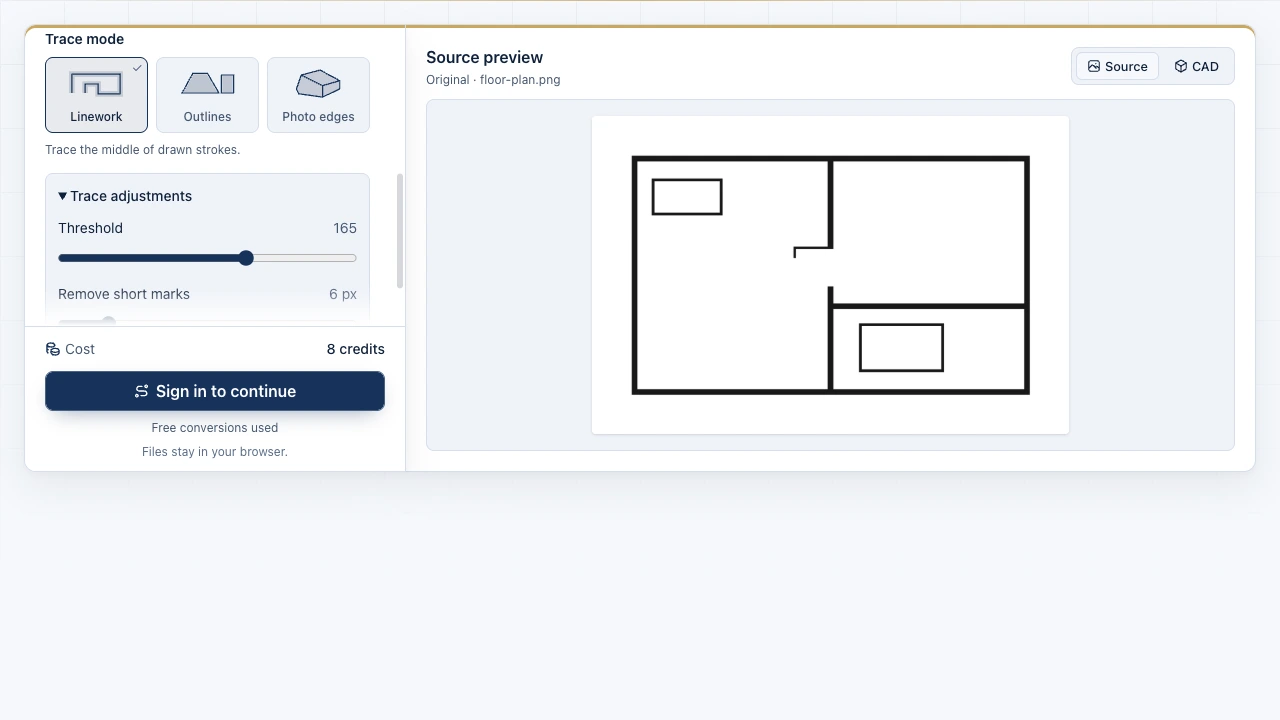
Select Outlines or Linework mode

Pick Outlines to trace inner holes and outer borders of solid shapes, or Linework to follow the center of narrow technical strokes.

Set reference width and export DWG

Zoom into corners and cutouts in the PNG to DWG preview, enter a known real-world width, and download your AutoCAD 2000 DWG.

Turn lossless PNG edges and alpha channels into CAD paths

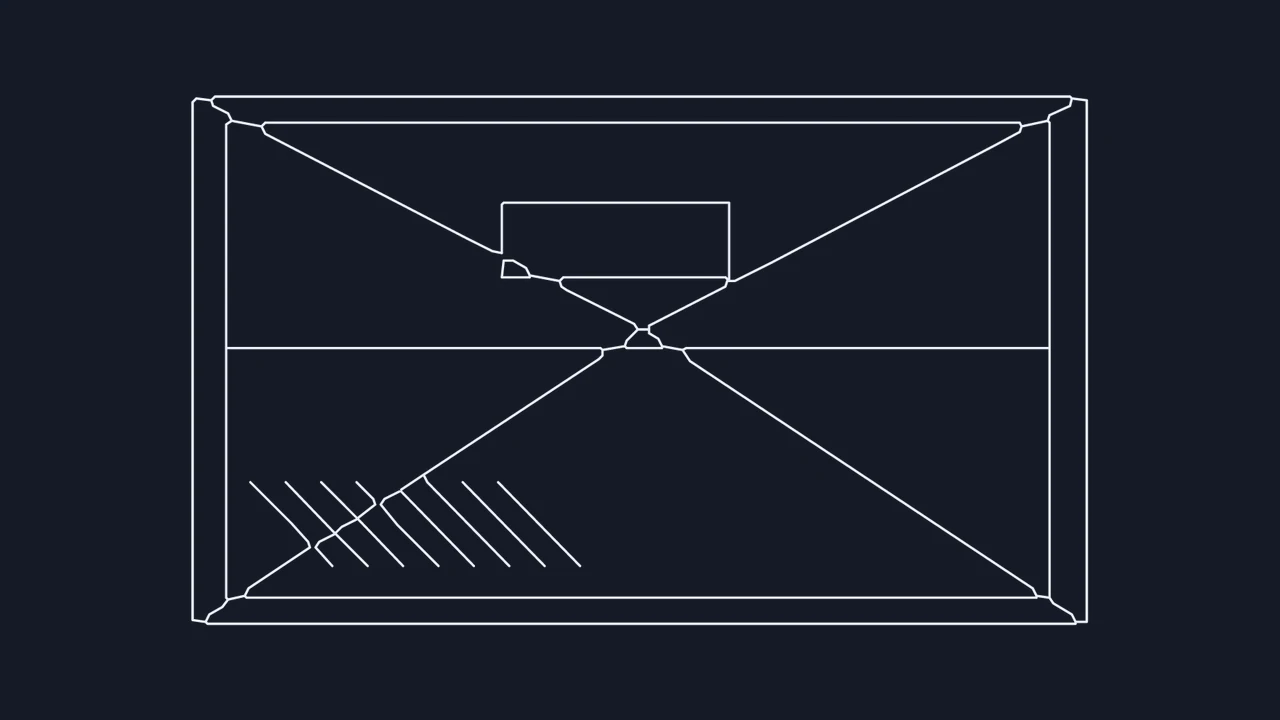
The Image to CAD workbench showing source files and the drawing preview

Keep interior cutouts separate from outer perimeters

Lossless PNG edges avoid JPEG block halos. Zoom into narrow bridges, slots, and bolt holes in the PNG to DWG workbench while adjusting threshold so anti-aliased alpha fringes stay crisp.

Open PNG converter
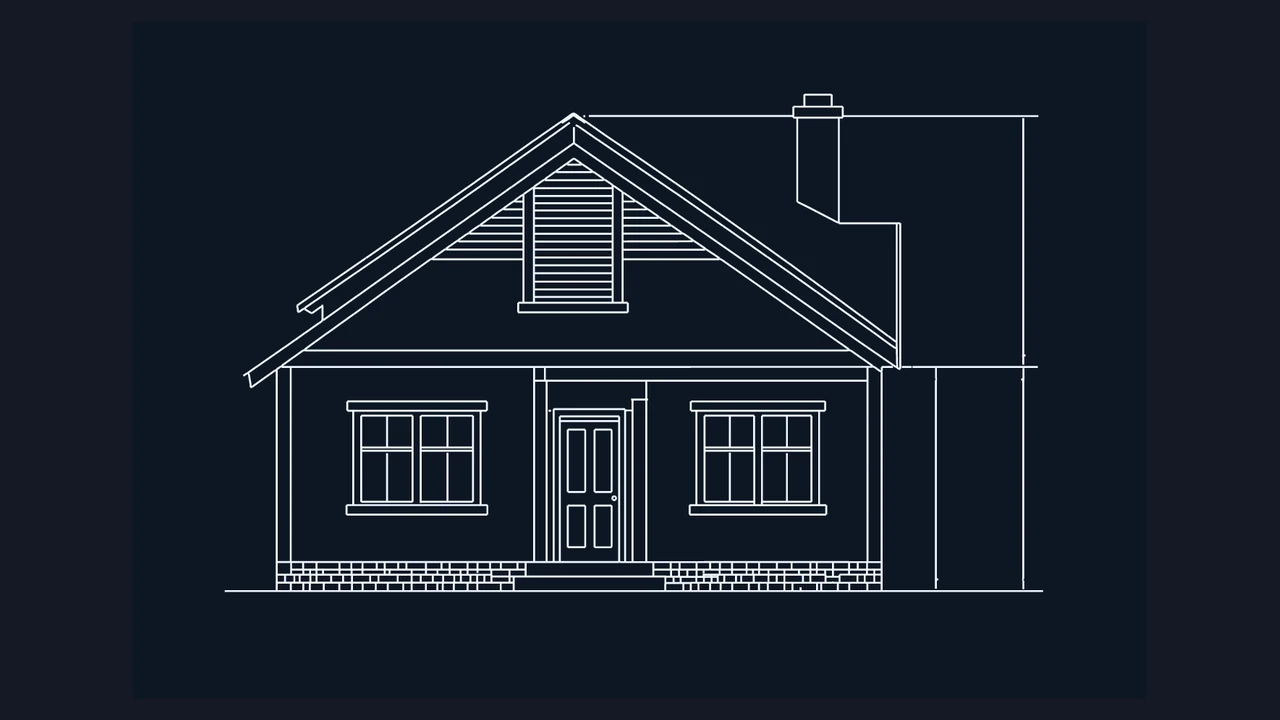
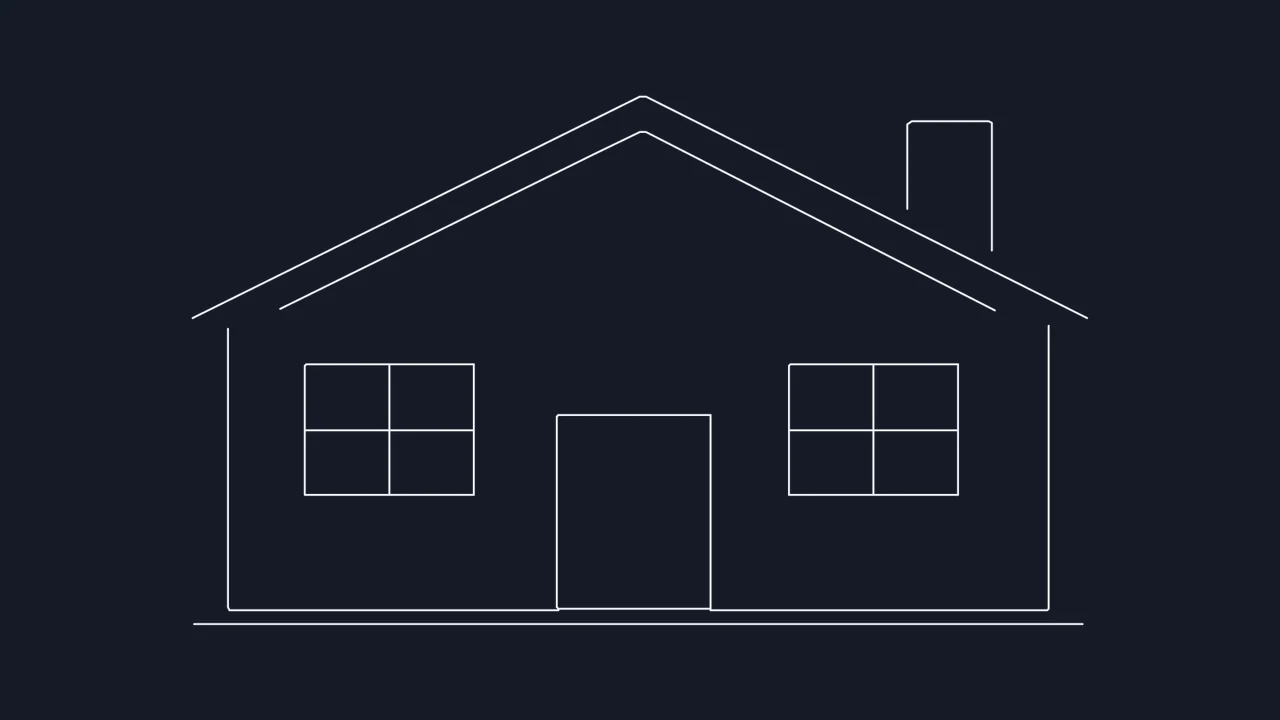
CAD linework of a front elevation and its reference dimensions

Isolate individual details from multi-view sheets

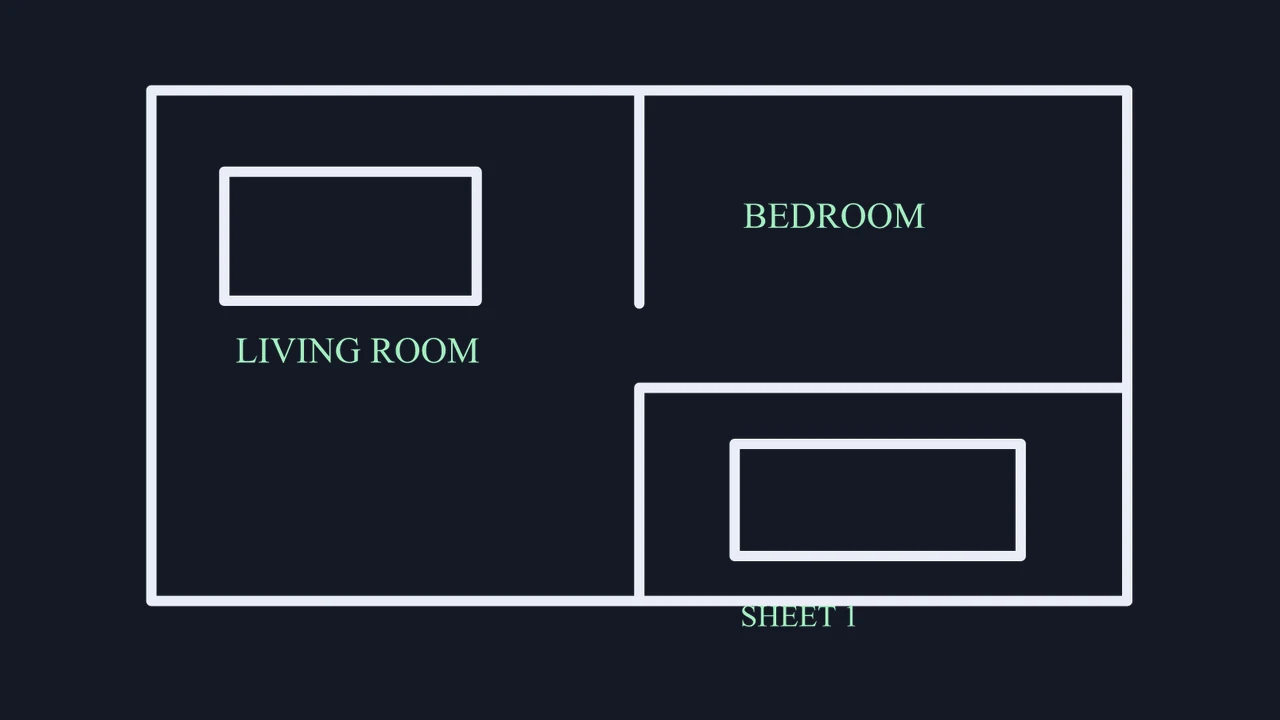
When a PNG screenshot or exported sheet holds several elevations, crop tightly around one detail before running PNG to CAD conversion and assign its exact width in millimeters or inches.

Select PNG file

PNG to AutoCAD DWG specifications and scope

Check alpha-transparency handling, binary DWG compatibility, trace modes, and objective 2D boundaries before opening your file in AutoCAD.

SpecificationPNG Source HandlingBinary DWG Output
Transparency and backgroundRGBA alpha and solid backgroundsSupports Light lines inversion
Exported DWG standardBinary AutoCAD 2000 (AC1015) .dwgOpens in AutoCAD, BricsCAD, ZWCAD
Batch and file size limitUp to 4 PNG files, 20 MB eachIndependent per-file crop and scale
Generated 2D geometryCenterline or closed loop polylinesmm, cm, m, in, or ft width scaling

Included with every PNG conversion

Private in-browser tracing on desktop and mobile devices, 3 free conversions without registration, interactive zoom preview, lossless edge thresholding, and both binary DWG and ASCII DXF downloads.

Objective PNG-to-DWG boundaries

Traces visible contrast and alpha silhouettes into flat 2D model-space paths only; RGB colors do not split into separate layers, and raster labels do not become OCR text.

Frequently asked questions

Image to CAD mark

Create your PNG to DWG drawing

Upload a transparent silhouette or lossless technical line drawing, inspect the 2D geometry at high zoom, and save a binary AutoCAD 2000 DWG file.

Export DWG file