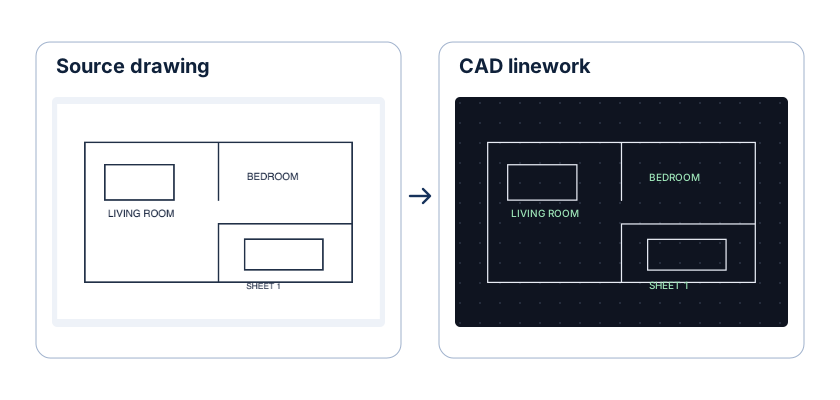
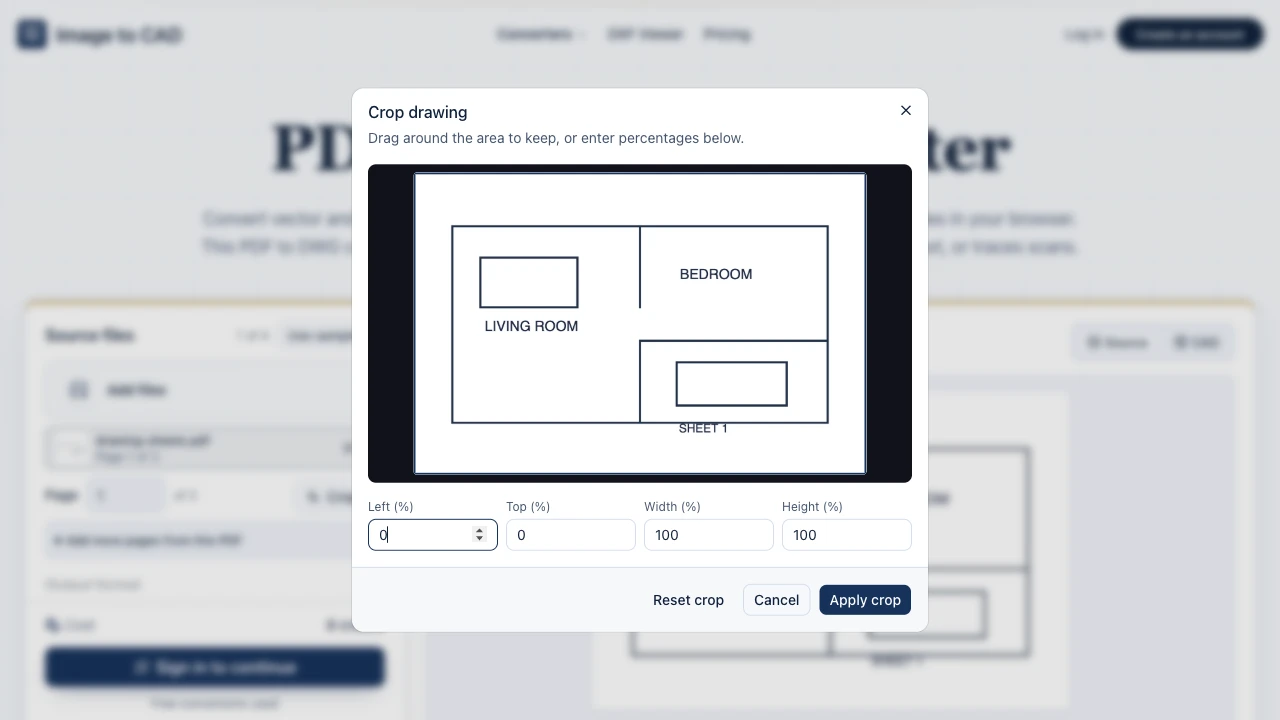
Crop away sheet borders and title blocks first
Keep revision tables, sheet frames, and unrelated views out of your exchange file. Cropping each selected page inside the workbench leaves only the target geometry in model space.
Open PDF crop toolConvert vector and scanned PDF sheets up to 20 MB into editable 2D ASCII DXF files in your browser. This PDF to DXF converter selects pages, crops views, extracts compatible vectors and text, or traces scans.
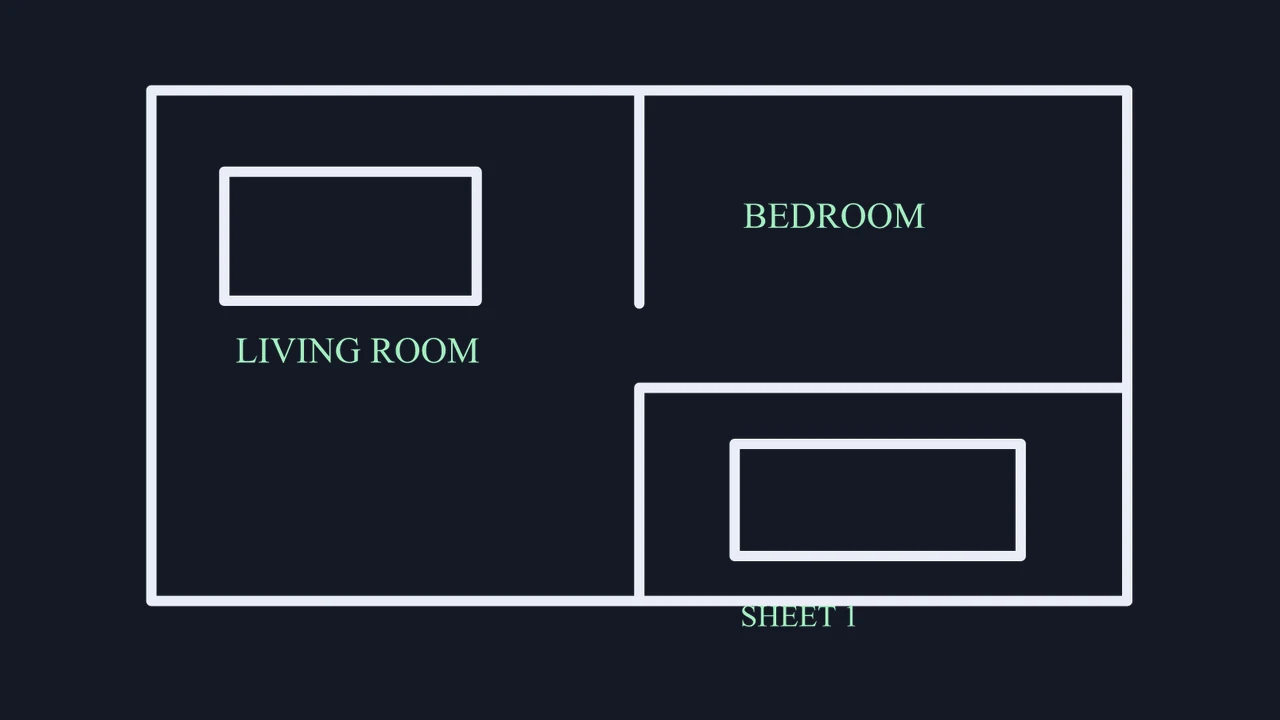
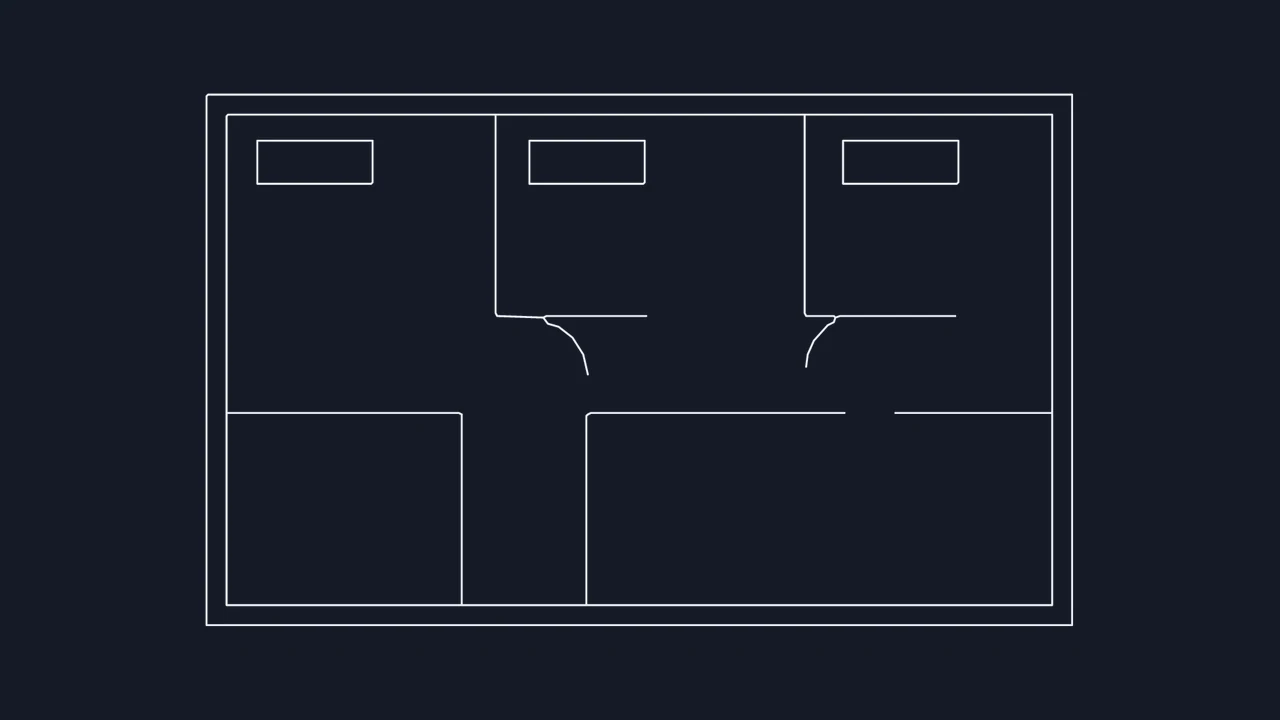
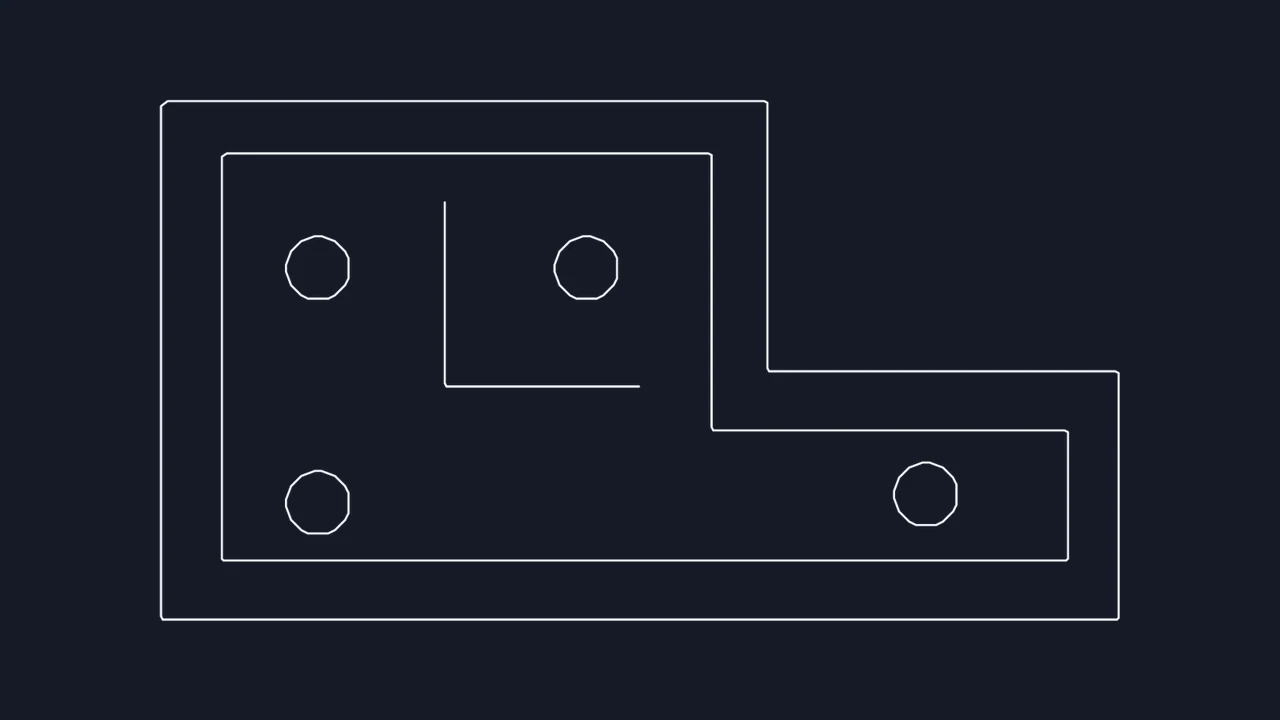
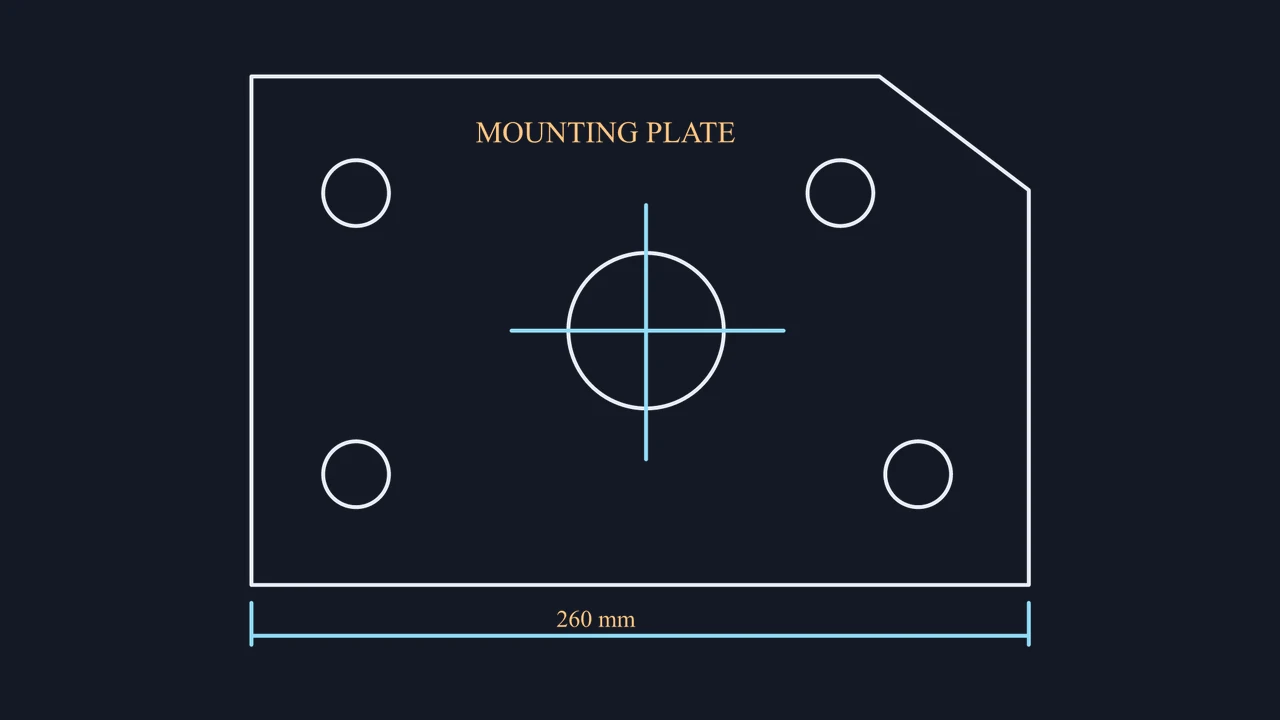
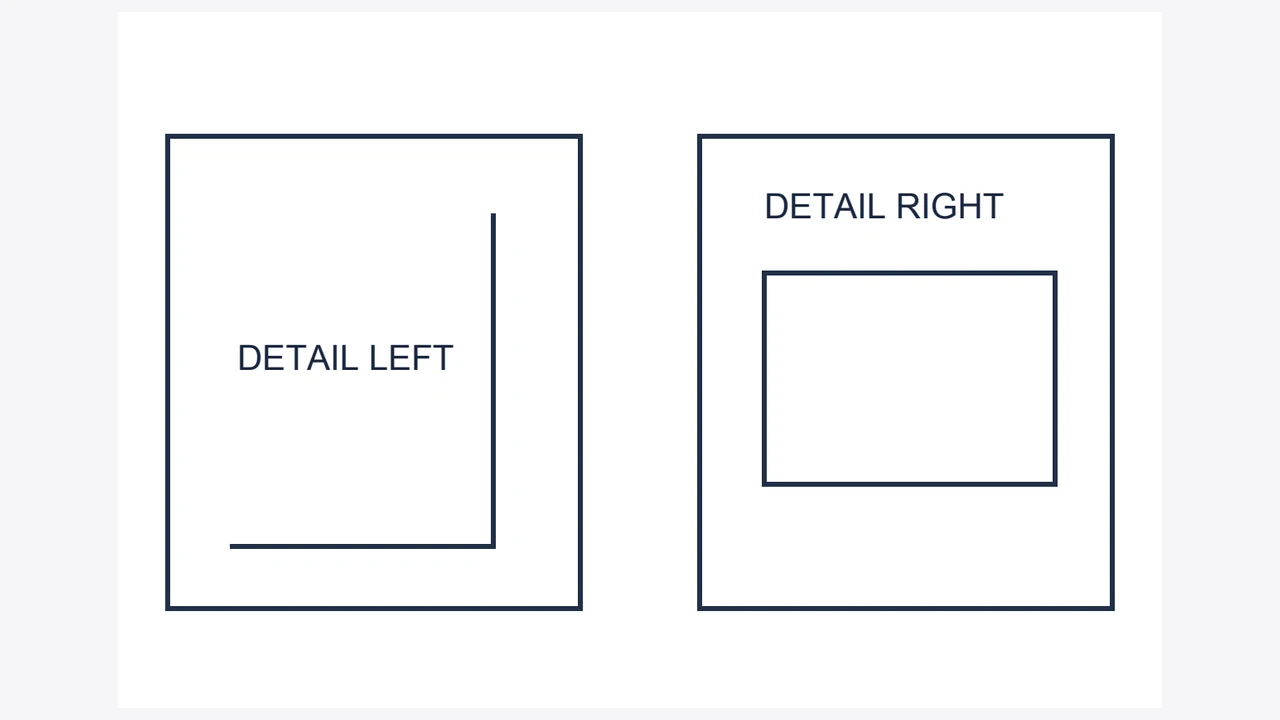
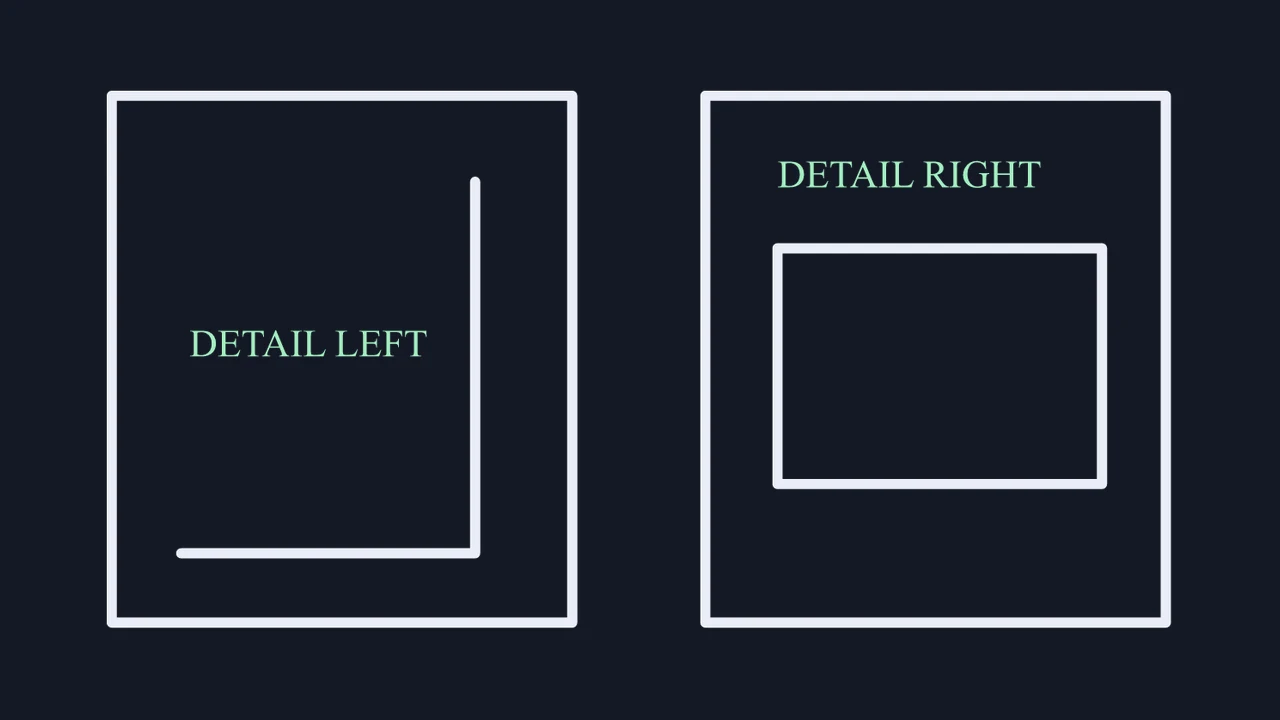
Compare the vector PDF sheet containing two mechanical bracket details and labels against its extracted 2D DXF geometry, or crop a single detail into its own exchange file.
Drop a PDF document up to 20 MB into the workbench and choose up to four drawing pages to prepare as separate DXF files.
Frame only the plan or part detail you need. Use Auto to extract compatible vector paths and selectable text or trace scanned sheets.
Zoom into corners and labels in the PDF to DXF preview, enter a reference width in real units, and export your ASCII DXF.
PDF engineering files vary from pure CAD vector plots to legacy flatbed scans. Select your document type to see how PDF to DXF prepares clean 2D exchange geometry.
Keep revision tables, sheet frames, and unrelated views out of your exchange file. Cropping each selected page inside the workbench leaves only the target geometry in model space.
Open PDF crop tool
When a PDF page holds only a scanned image, switch to tracing, invert light lines if needed, and inspect fine intersections at zoom before saving your PDF to DXF output.
Select PDF pageReview vector versus raster PDF handling, ASCII DXF entity output, batch limits, and objective 2D boundaries before importing into CAD or CAM software.
| Specification | Vector PDF Sheet | Scanned PDF Sheet |
|---|---|---|
| Conversion mechanism | Direct 2D PDF path extraction | Adjustable raster centerline/outline trace |
| Text and annotation output | Supported selectable DXF TEXT | Visible characters traced as paths |
| File and page batch limits | Up to 20 MB · Max 4 pages/run | Per-page crop and reference width |
| Exported exchange standard | Open text-based 2D ASCII .dxf | Also downloadable as binary .dwg |
In-browser PDF processing, 3 free page conversions without registration, per-sheet cropping, mm/cm/m/in/ft scale calibration, and instant verification in our DXF viewer.
Exports flat 2D model-space geometry; password-locked PDFs, raster OCR text, true NURBS splines (approximated as polylines), and 3D solids are excluded.
This PDF to DXF converter saves an open text-based 2D ASCII DXF file. Compatible vector PDFs export crisp paths and optional selectable text, while scanned PDFs trace visible strokes into editable 2D polylines.
Zoom to 400% in a PDF reader or let Auto mode inspect the page in PDF to DXF. Crisp lines and highlightable words indicate vector data, whereas blurry pixel steps indicate a raster scan.
Yes, Auto and Trace modes render scanned PDF pages locally and trace dark lines or inverted white blueprint strokes into 2D DXF paths. Crop tightly around the view and tune threshold for faint ink.
Yes, add the desired pages up to four items in one PDF to DXF batch, frame each detail with its own crop box, calibrate its reference width, and download separate DXF files.
Text becomes path geometry when the source PDF page was scanned as an image, outlined into curves during PDF export, or processed via fallback tracing. Vector mode preserves supported selectable text.
Open the Crop dialog on the selected sheet and drag the handles inside the drawing margin before converting. Only geometry inside your active crop rectangle is written to the export.
Select your target unit in the scale panel and enter a known real-world width for the cropped PDF region. Confirm two perpendicular spans in your CAD or CAM application before manufacturing.
Yes, PDF to DXF provides 2D starting geometry in standard ASCII DXF format. Open the file in your CAM software to verify closed contours, remove duplicate overlapping segments, and confirm dimensions.
Yes, your browser gets three free conversions with no sign-up required, where each selected PDF page counts as one conversion. Additional pages use 8 permanent account credits each.
Yes, open your saved file in our free DXF Viewer Online to zoom, pan, and toggle 2D model-space layers, or switch to PDF to DWG when AutoCAD binary format is required.

Select a PDF page, crop the exact drawing region, verify 2D paths at zoom, and download an editable ASCII DXF.
Export DXF now