JPG to DXF Converter

Trace JPG and JPEG sketches, blueprints, and photos up to 20 MB into editable 2D ASCII DXF linework in your browser. This JPG to DXF converter filters JPEG noise, previews contours, and calibrates width.

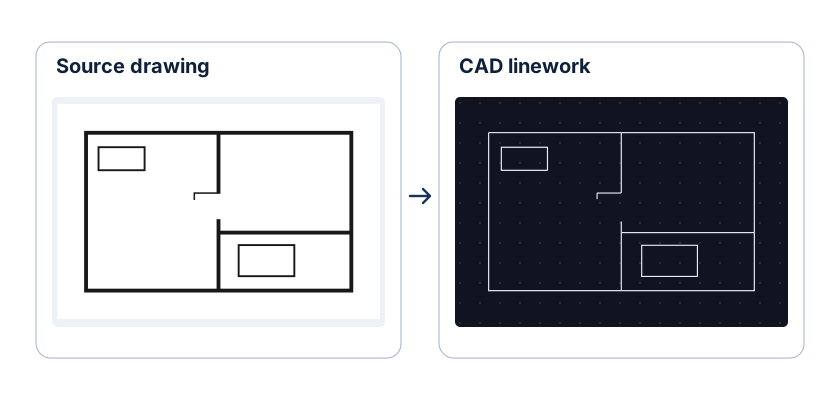
CAD workspace panel

Street photograph to 2D DXF architectural linework

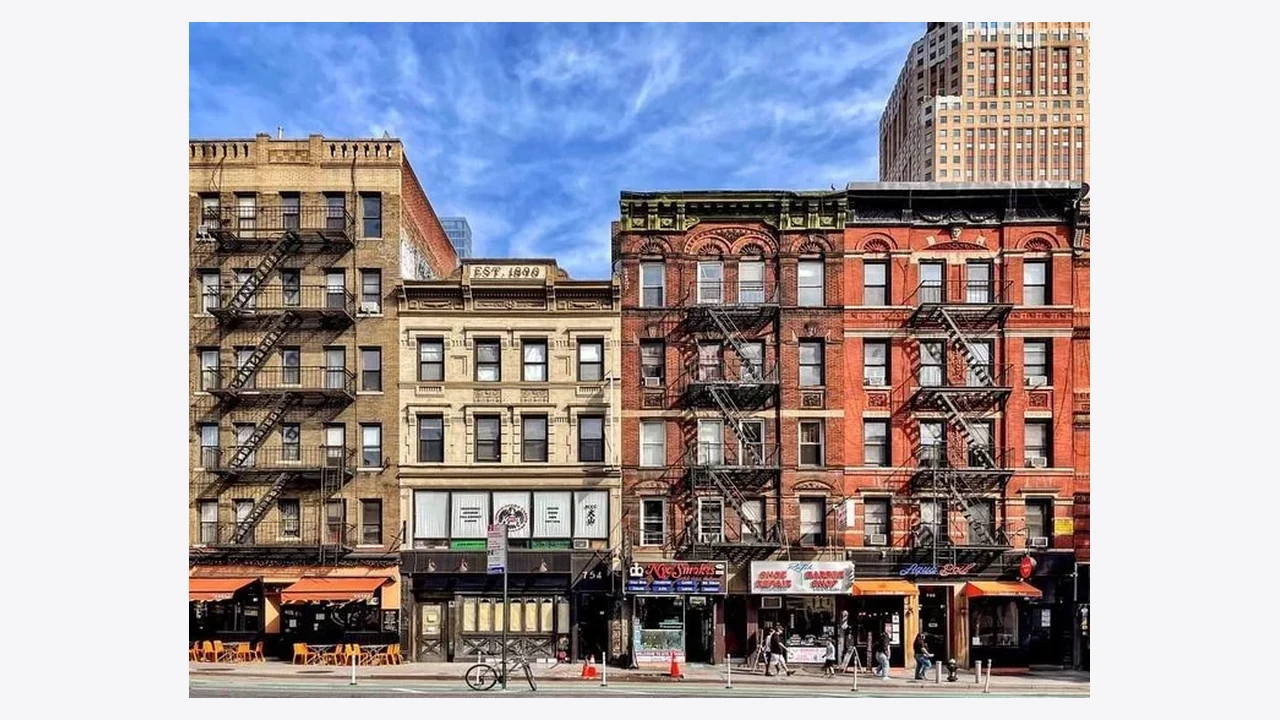
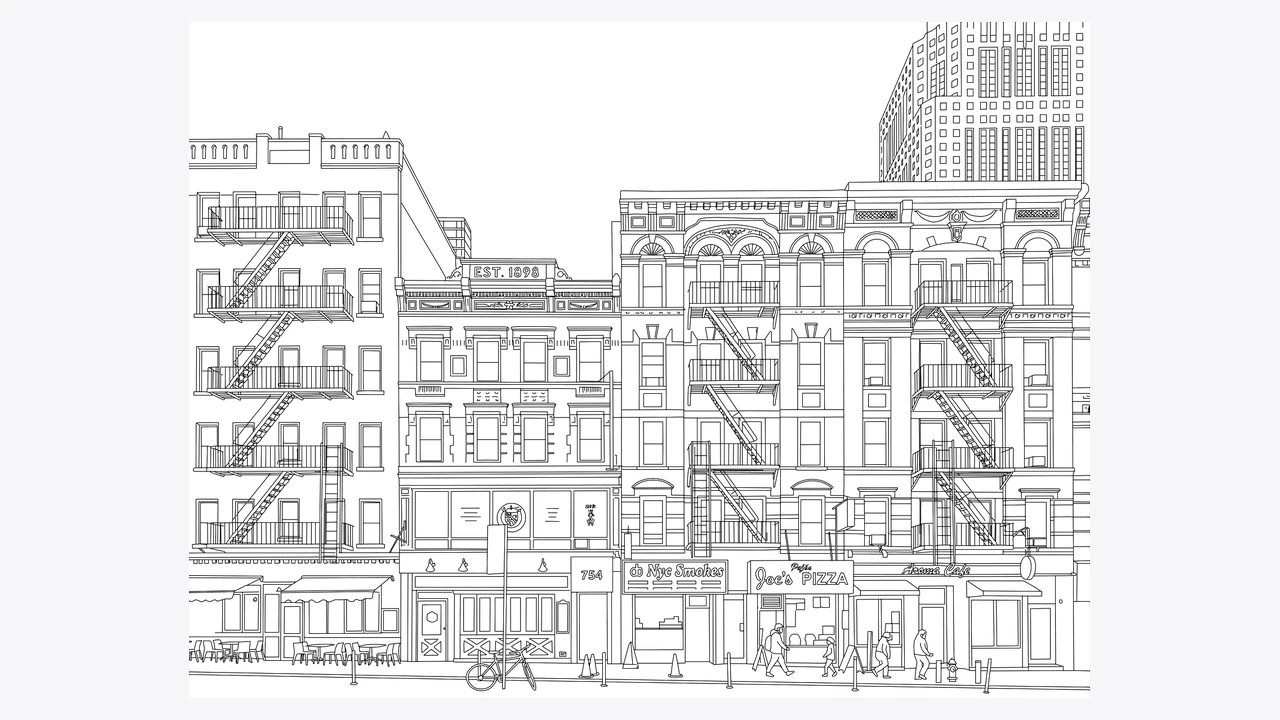
Compare the original JPEG building elevation with its traced 2D DXF geometry to see how high-contrast rooflines, window openings, and trim edges become editable CAD paths.

Original JPEG photo
Street photograph of several building fronts and their windows
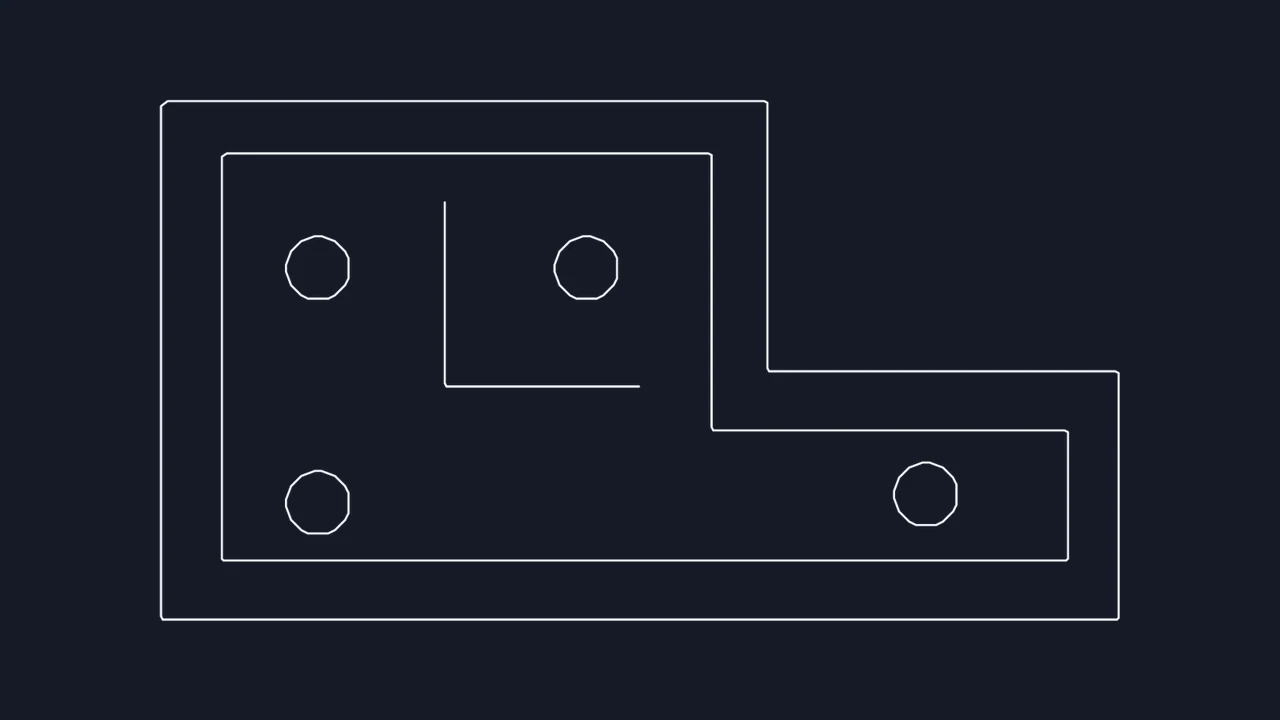
Traced DXF geometry
Traced windows, roof edges and openings from the building photograph

How to convert JPG to DXF

Choose a JPG

Load a high-contrast JPEG

Select up to four .jpg or .jpeg files up to 20 MB each. Original uncompressed scans trace more cleanly than low-resolution screenshots.

Choose Linework or Outlines mode

Crop away background clutter, then pick Linework for technical drawing strokes, Outlines for solid silhouettes, or Photo edges for camera pictures.

Check preview and export DXF

Zoom into corners in the JPG to DXF preview, set a known reference width in real units, and save your ASCII DXF file.

Extract clean 2D DXF paths from compressed JPEGs

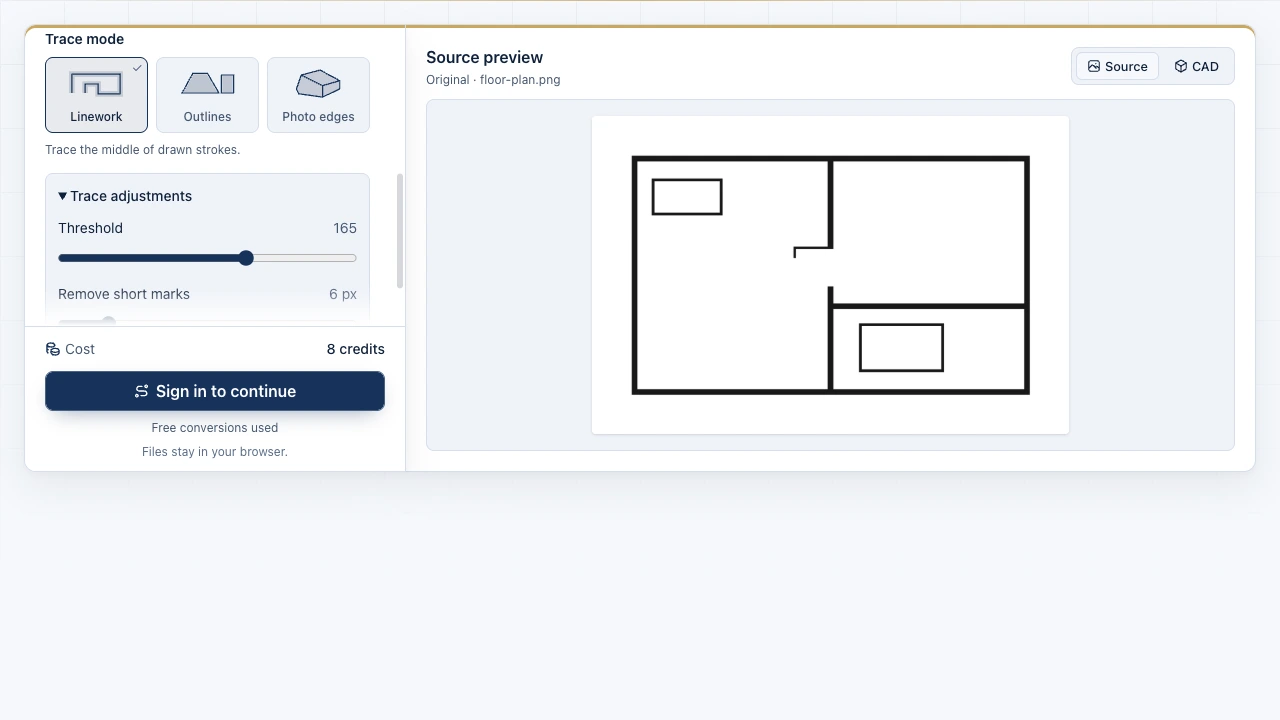
The Image to CAD workbench showing source files and the drawing preview

Filter JPEG halo noise before exporting paths

JPEG block artifacts around dark ink or marker strokes can create unwanted tiny loops. Tune brightness threshold and Remove short marks in the JPG to DXF workbench while zoomed into fine corners.

Open JPG workbench
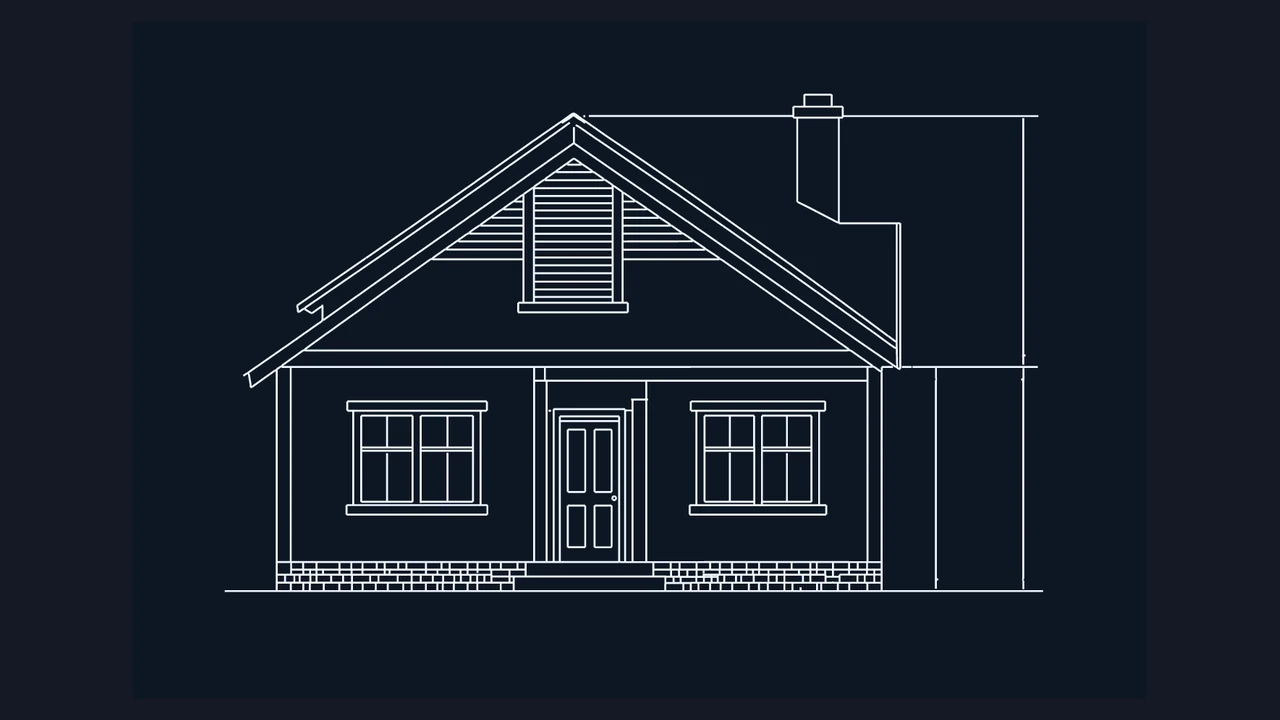
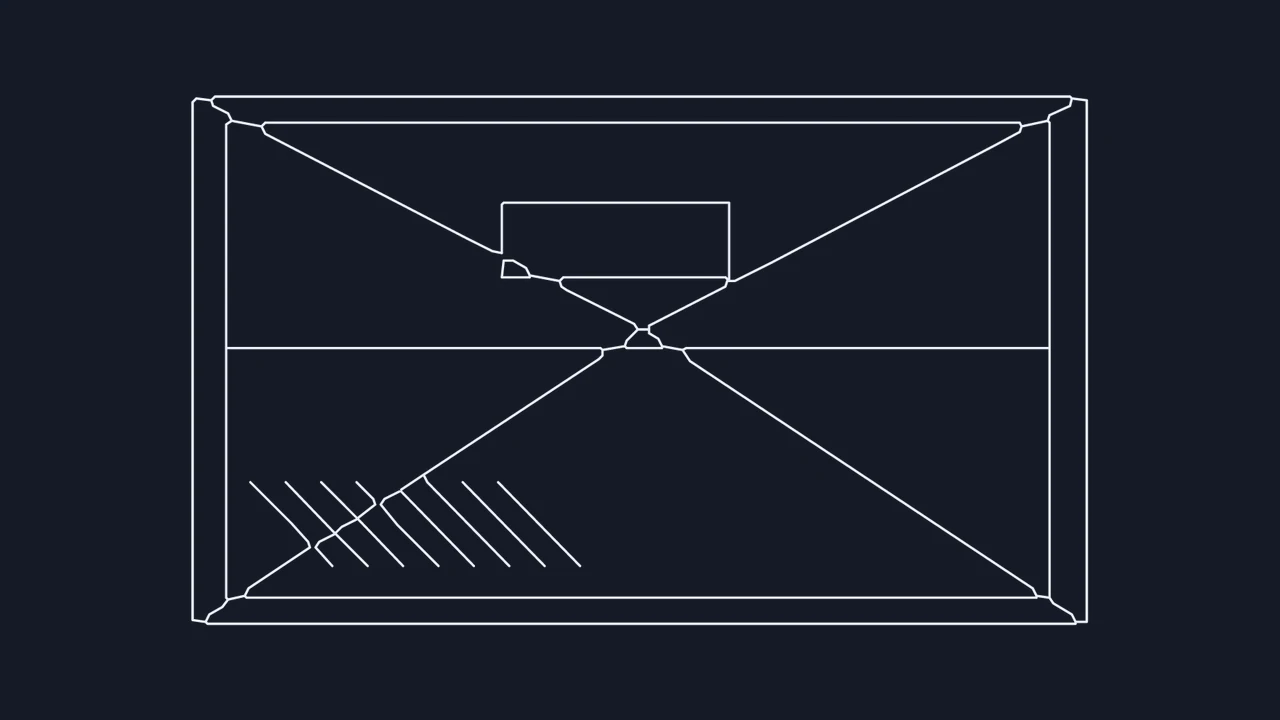
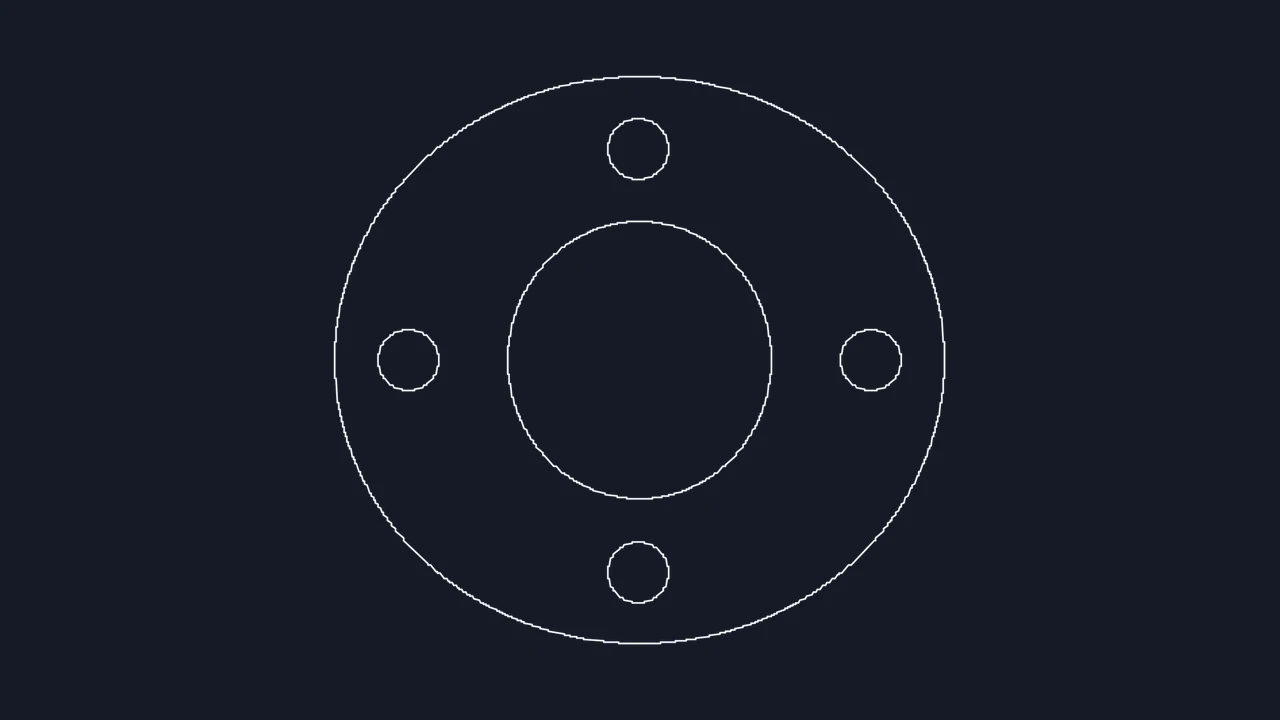
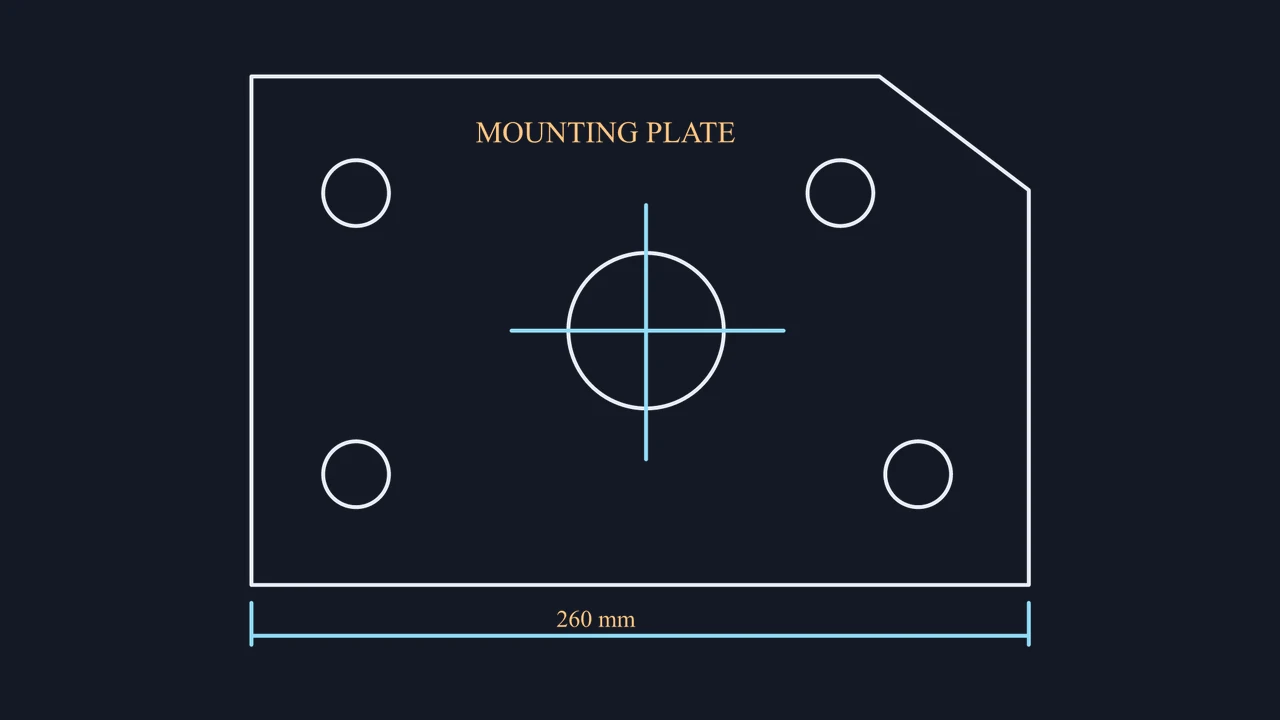
CAD linework of a front elevation and its reference dimensions

Isolate elevations and cut shapes with cropping

Crop out page borders, shadows, or neighboring views before running a JPEG to DXF trace so your exported model space contains only the geometry required for drafting or CAM preparation.

Crop and trace JPEG

JPEG to ASCII DXF specifications and scope

Check supported JPEG inputs, ASCII DXF entity output, noise-filtering controls, and objective 2D boundaries before importing into CAD or CNC software.

SpecificationJPEG Source HandlingASCII DXF Deliverable
Supported file formats.jpg and .jpeg up to 20 MBUp to 4 JPEGs per session
DXF output encodingOpen text-based 2D ASCII .dxfAutoCAD, LibreCAD, QCAD, CAM tools
Available trace modesLinework, Outlines, Photo edgesPlus Light lines blueprint inversion
Reference width scalingmm, cm, m, in, or ft spanUniform 2D model-space scaling

What every JPEG trace includes

Local in-browser vectorization, 3 free conversions without sign-up, independent per-file crop regions, detail noise filtering, and dual DXF or DWG export options.

Objective JPEG-to-DXF boundaries

Converts visible pixel contrast into 2D polyline segments only; curved edges are segmented, raster text is not OCR-converted, and 3D models are excluded.

Frequently asked questions

Image to CAD mark

Convert your JPG to DXF online

Load a sharp JPEG sketch, scan, or silhouette, verify the traced paths, and download an editable 2D DXF.

Create DXF file